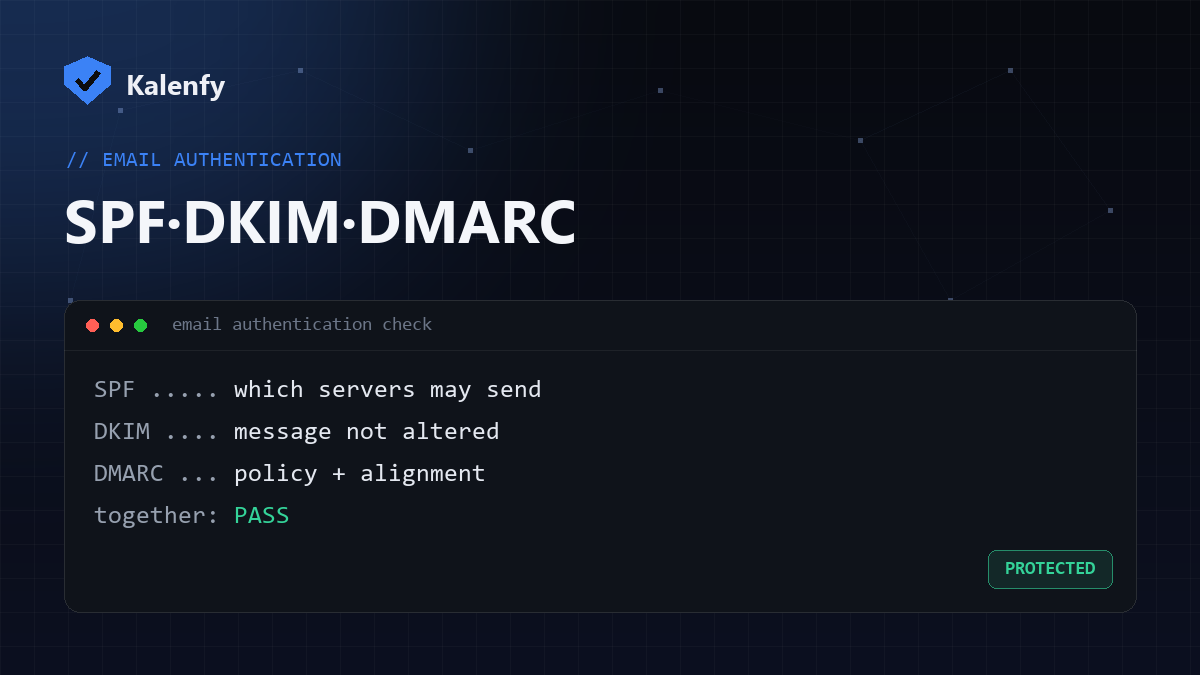
Quick answer: SPF, DKIM and DMARC are three DNS records that work as a team to prove your email is really from you. SPF says which servers may send for your domain. DKIM proves the message wasn't altered. DMARC ties the two together, tells receivers what to do when they fail, and sends you reports. You need all three. Scan your domain free to see which you're missing.
At a glance
| SPF | DKIM | DMARC | |
|---|---|---|---|
| Answers | Which servers may send? | Was the message changed? | What to do on failure? |
| Method | A list of allowed IPs/includes | A cryptographic signature | A policy + alignment + reports |
| DNS record | v=spf1 … on your domain | selector._domainkey TXT | _dmarc TXT |
| On its own? | Forgeable "From", not enough | No policy, not enough | Needs SPF/DKIM to act on |
SPF — who is allowed to send
SPF (Sender Policy Framework) is a DNS record listing the servers allowed to send email for your domain. Receivers check whether the sending server is on the list. Its weakness: SPF validates the hidden "envelope" sender, not the visible "From" address a human sees — so on its own it doesn't stop a forged From. It also has a hard 10-lookup limit and you can only have one SPF record.
DKIM — proof the message wasn't tampered with
DKIM (DomainKeys Identified Mail) adds a cryptographic signature to every message, created with a private key your mail provider holds. Receivers verify it against a public key published in your DNS. If the signature checks out, the message genuinely came from your domain and wasn't altered in transit. DKIM proves integrity — but, like SPF, it doesn't by itself tell receivers what to do when a check fails.
DMARC — the policy that ties it together
DMARC is the piece that makes SPF and DKIM actually protect you. It
adds two things: alignment (the visible From domain must match the SPF/DKIM domain) and a policy
(p=none, quarantine or reject) telling receivers what to do when a message fails. It
also sends you aggregate reports so you can see who's sending — and spoofing — as you.
How they work together
Think of an incoming message arriving at Gmail:
- SPF checks the sending server is authorised.
- DKIM verifies the signature and that the body wasn't changed.
- DMARC checks that the From domain aligns with SPF/DKIM, and applies your policy if it doesn't — quarantine or reject the fake.
Miss any one and you have a gap: SPF/DKIM without DMARC means failures aren't acted on; DMARC without passing SPF/DKIM means even your real mail can be blocked. This is also why missing authentication is the top reason emails go to spam and why Google and Yahoo now require all three.
How to check all three at once
Look them up individually in DNS, or run one free scan that checks SPF, DKIM and DMARC together (plus DNSSEC, CAA and more) and grades them A+→F. Scan your domain — no signup to see your result.
FAQ
Do I need all three, or is one enough?
You need all three. SPF and DKIM are the checks; DMARC is what makes receivers act on them and protects your visible From address from spoofing.
Which should I set up first?
SPF and DKIM first (the mechanisms), then DMARC at p=none to monitor, then raise DMARC to
quarantine/reject once your legitimate mail passes.
Will these stop all spoofing?
They stop direct domain spoofing — the most common kind. Look-alike domains are a separate problem, but locking down your own domain with all three is the essential first step.
Want to know exactly where your domain stands across all three? Run a free Kalenfy scan, and if any are missing or misconfigured, reply to your report — we're developers and we'll set them up for you.