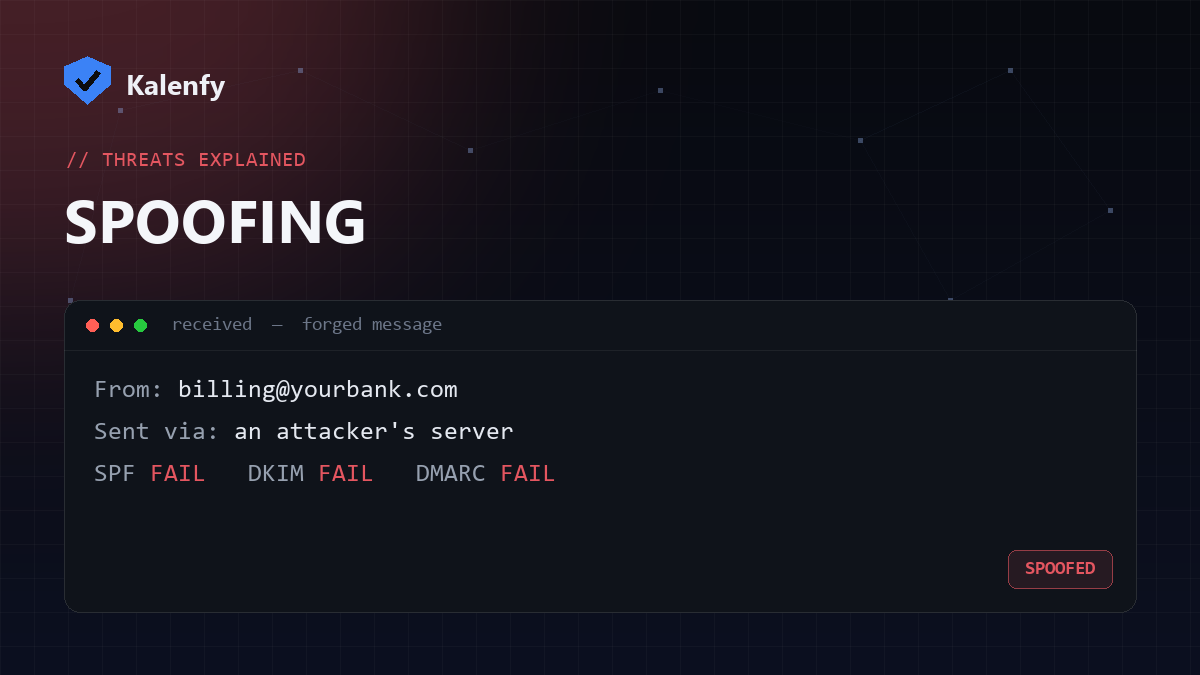
Email spoofing is when an attacker sends a message that appears to come from your domain — your exact address, your brand — when it didn't. It's the engine behind most phishing and business-email-compromise scams, and on an unprotected domain it takes almost no skill to pull off.
Why spoofing is so easy by default
The email protocol (SMTP) was designed in a more trusting era and lets the sender write almost anything in the "From" field. Nothing in the base protocol checks whether the sender is allowed to use your domain. So unless you've published the right DNS records, a scammer can put billing@yourcompany.com in the From line and many inboxes will accept it.
What's at stake
- Customers receive convincing fake invoices or password-reset emails "from you."
- Your brand takes the blame and the support load.
- Your real emails are more likely to be distrusted or filtered.
The three records that stop spoofing
Email authentication is a layered defence. Each record does a different job:
1. SPF — who is allowed to send
SPF publishes the list of servers permitted to send mail for your domain. Receivers reject or flag mail from anywhere else.
2. DKIM — proof the message wasn't altered
DKIM attaches a cryptographic signature to each message. The receiver checks it against a public key in your DNS, confirming the message genuinely came from you and wasn't changed in transit.
3. DMARC — the policy that ties it together
DMARC tells receivers what to do when a message fails SPF and DKIM (quarantine or reject) and sends you reports of spoofing attempts. This is what turns "we have some records" into "spoofing actually gets blocked."
How to check if your domain is protected
Look up your SPF, DKIM and DMARC records — or run a free passive scan that checks all three at once and tells you, in plain English, whether your domain can currently be spoofed. If your DMARC policy is missing or stuck on p=none, that's the first thing to fix.