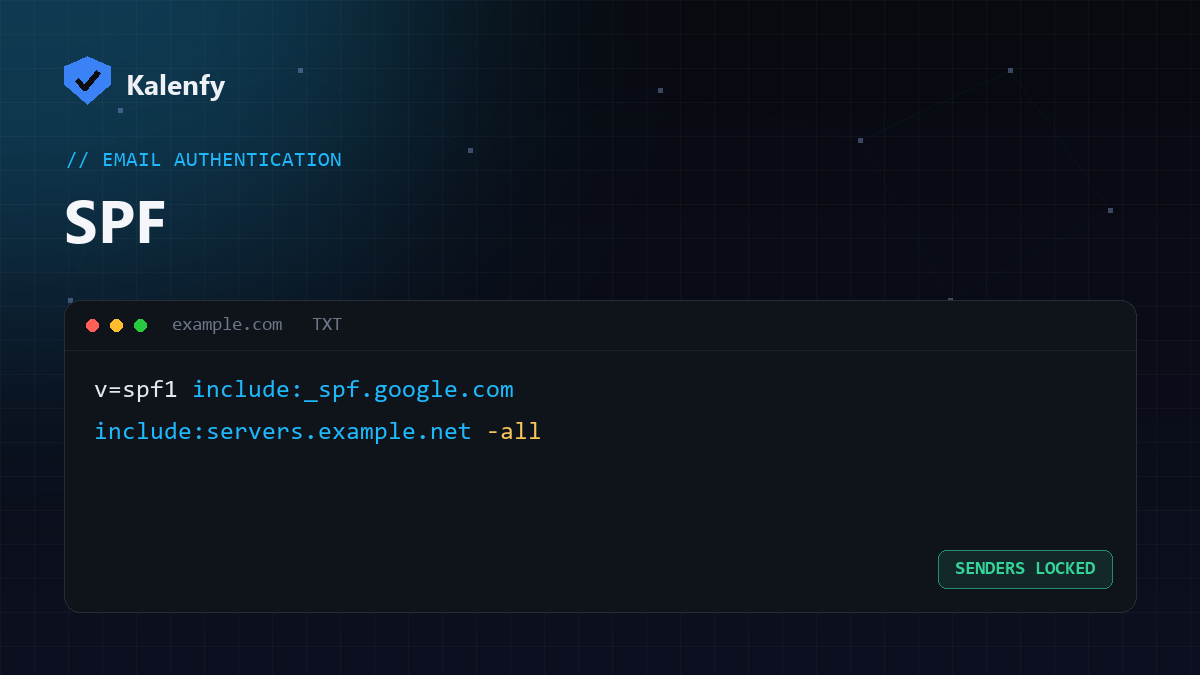
An SPF record (Sender Policy Framework) is a single line of DNS that says which mail servers are allowed to send email for your domain. It's the first layer of email authentication, and a misconfigured SPF record is one of the most common — and most exploitable — issues we find.
What an SPF record looks like
SPF is a TXT record on your root domain that starts with v=spf1. A common example for a domain that sends through Google and a marketing tool:
v=spf1 include:_spf.google.com include:servers.example.net ~allReading it left to right: it's an SPF version 1 record, it authorises Google's and the tool's servers, and the ~all at the end means "everything else is a soft fail."
The "all" mechanism — the part that matters most
-all(hard fail) — strictest. Anything not listed is rejected. Recommended once your senders are correct.~all(soft fail) — suspicious but accepted. A reasonable middle ground.?all(neutral) — no opinion. Weak.+all— authorises any server on earth to send as you. This is a serious misconfiguration and effectively disables SPF.
The 10-lookup limit
SPF allows a maximum of 10 DNS lookups when evaluating include, a, mx and similar mechanisms. Go over it and your record becomes permerror — which many receivers treat as a fail, silently breaking your email authentication. Each third-party sender you add (CRM, newsletter, helpdesk) eats into the budget, so this is easy to trip.
Common SPF mistakes
- More than one SPF record. Only a single
v=spf1TXT record is valid; two means none works. - Using
+all, which authorises the whole internet. - Exceeding 10 lookups, causing a permerror.
- Forgetting a sender, so legitimate mail (e.g. your invoicing tool) fails.
How to check your SPF record
Look up the TXT record on your domain, or run a free scan that parses it and flags duplicates, +all, lookup-limit risk and a missing -all/~all. SPF alone isn't enough — pair it with DKIM and DMARC for real protection against spoofing.