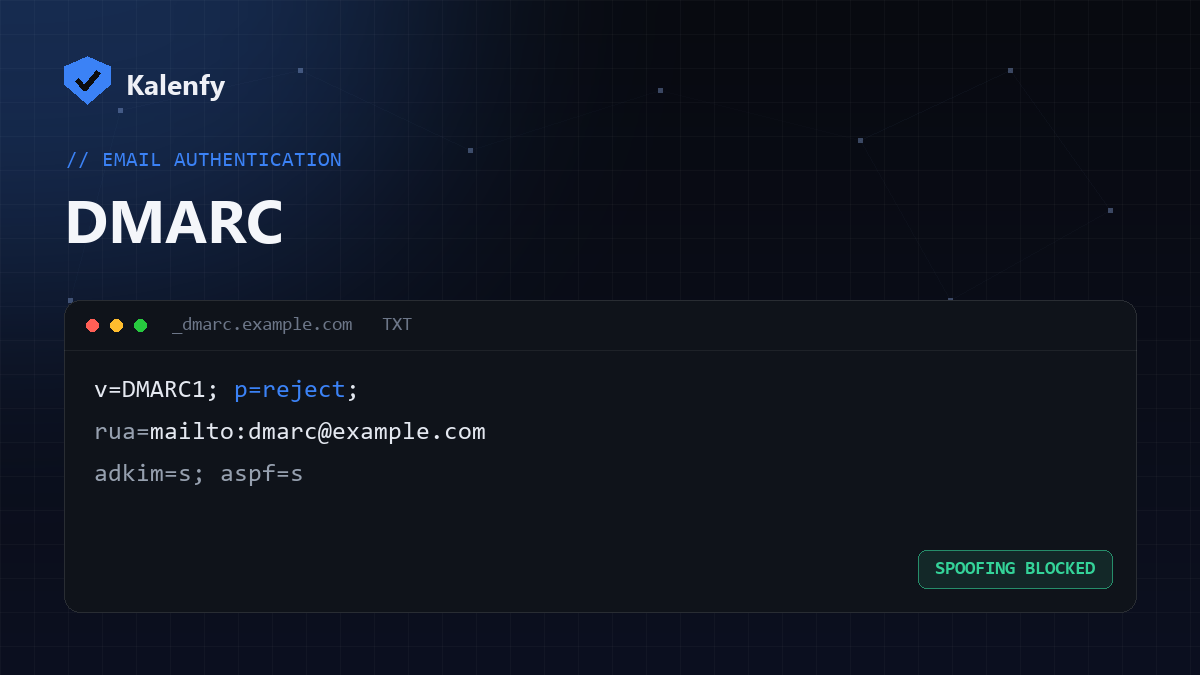
DMARC (Domain-based Message Authentication, Reporting and Conformance) is the DNS record that decides what happens when someone tries to send email pretending to be your domain. Without it, attackers can spoof your address and your customers have no way to tell the difference. With it, those fakes get quarantined or rejected — and you get reports showing who's trying.
How DMARC works with SPF and DKIM
DMARC doesn't work alone. It builds on two other records:
- SPF verifies the sending server is authorised.
- DKIM verifies the message wasn't altered, using a digital signature.
DMARC adds the final piece: alignment (the visible "From" domain must match the SPF/DKIM domain) and a policy telling receivers what to do on failure. If a message fails alignment, your DMARC policy is enforced.
The three DMARC policies
A DMARC record lives at _dmarc.yourdomain.com as a TXT record. The key part is the p= tag:
p=none— monitor only. Nothing is blocked; you just collect reports. A safe place to start, but leaving it here forever means you're not actually protected.p=quarantine— failing messages go to spam/junk.p=reject— failing messages are refused outright. This is the goal once you're confident your legitimate mail passes.
A typical record looks like: v=DMARC1; p=quarantine; rua=mailto:dmarc@yourdomain.com. The rua tag is where aggregate reports are sent.
How to check your DMARC record
You can look up the TXT record at _dmarc.yourdomain.com with a DNS tool, or just run a free scan that checks it for you and flags whether your policy is actually enforced. If there's no record, receivers fall back to "no policy" — and your domain is spoofable.
How to set up DMARC step by step
- Make sure SPF and DKIM are already in place and passing.
- Publish a
p=nonerecord with aruaaddress and watch the reports for a week or two. - Fix any legitimate senders (newsletters, CRMs, helpdesks) that are failing.
- Move to
p=quarantine, thenp=rejectonce everything legitimate passes.
Common DMARC mistakes
- Staying on
p=noneforever — that's monitoring, not protection. - Sending reports (
rua) to an external domain without that domain's authorisation record, so the reports are dropped. - Having two DMARC records — only one is allowed.
- Forgetting subdomains, which can be spoofed separately.
Want to know your domain's exact DMARC status — including whether your reports are authorised? Run a free Kalenfy scan and it's the first thing you'll see.