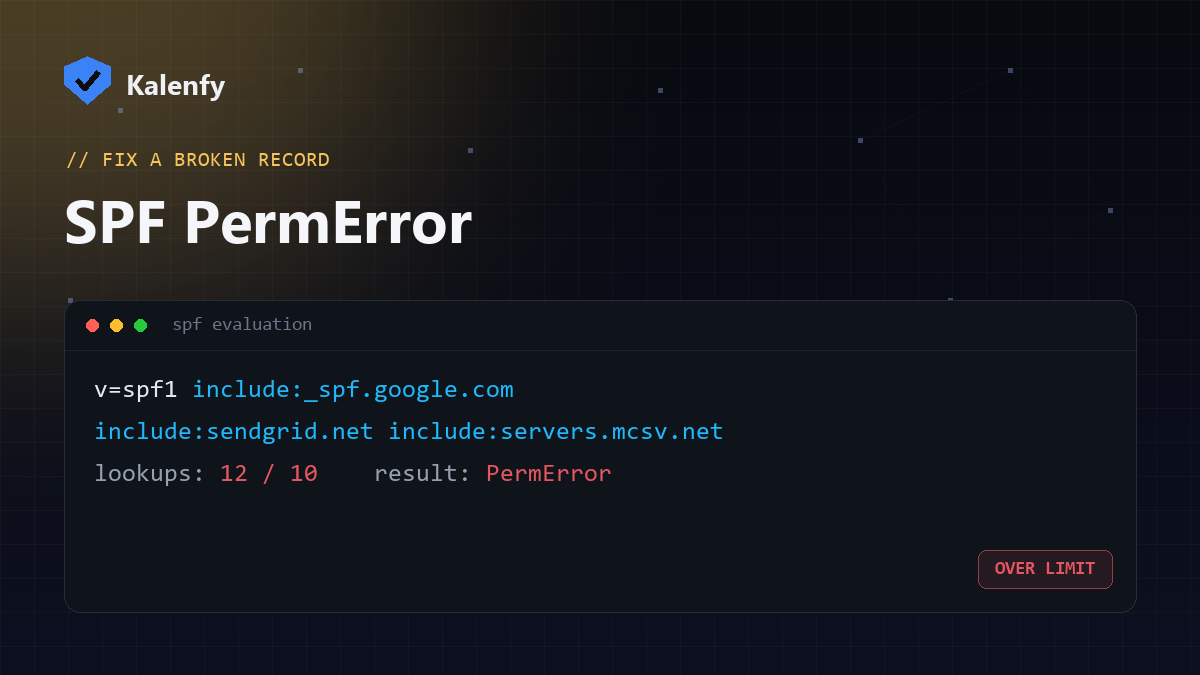
TL;DR: SPF allows a maximum of 10 DNS lookups. Go over it and your record returns
PermError, which many receivers treat as an SPF fail — so legitimate mail can land in spam or be
rejected. Fix it by cutting unused include: entries, replacing includes with ip4:/ip6:
ranges, removing a/mx/ptr mechanisms, or flattening your record. Here's how to find
your count and bring it back under 10.
What "too many DNS lookups" actually means
When a receiving mail server checks your SPF record, it has to resolve every mechanism that points to another
DNS name — include:, a, mx, ptr and exists:. The SPF
specification (RFC 7208 §4.6.4) caps
that at 10 lookups total. Each include: you add can itself contain more includes, so the
count adds up fast — a typical small business using Google Workspace + a CRM + a newsletter tool is often already at 8–9.
Cross the limit and the evaluation stops with a permanent error (PermError). Crucially,
a PermError isn't "ignore SPF" — most providers, including Gmail and Microsoft 365, treat it as an SPF failure. If your
DMARC policy is at quarantine or reject,
that means real mail can be junked or bounced.
How to check your SPF lookup count
- Look up the TXT record on your domain and find the line starting with
v=spf1. - Count every mechanism that triggers a DNS query: each
include:,a,mx,ptr,exists:— and remember eachincludeexpands recursively. - Rather than counting by hand, run a free scan — it parses your SPF, follows every include, and tells you the exact total and which entries blow the budget.
Not sure where you stand? Run a free Kalenfy scan — you'll see your live SPF lookup count and grade in seconds, no signup to view it.
The 5 ways to fix SPF PermError
| Fix | What it does | When to use it |
|---|---|---|
| Remove unused includes | Deletes include: entries for tools you no longer send from | Always do this first — it's free lookups back |
Drop a, mx, ptr | These cost lookups and are rarely needed for sending | If you don't send mail directly from your web/mail host |
Replace includes with ip4:/ip6: | Hard-codes a provider's sending IPs (0 lookups) | For providers with small, stable IP ranges |
| SPF flattening | Resolves all includes into a single flat list of IPs | When you have many includes; needs monitoring as IPs change |
| Consolidate senders | Route mail through fewer platforms | Long-term cleanup of tool sprawl |
A word of caution on flattening: hard-coded IPs can go stale when a provider rotates theirs, silently breaking SPF later. If you flatten, you need to keep it monitored.
How to verify the fix worked
After editing your DNS, wait for propagation (minutes to a couple of hours) and re-check: your record should evaluate
with 10 or fewer lookups and no PermError, and end in ~all or -all. Send a test
message to an address at Gmail/Outlook and confirm SPF shows pass in the headers — or just
re-scan your domain to confirm the count is back under the limit and the grade improved.
FAQ
Does PermError mean my email stops working?
Not always, but it removes your SPF protection and, with DMARC enforcement, can send legitimate mail to spam or cause rejections. It should be fixed promptly.
Can I just add a second SPF record to fit more includes?
No — a domain may only have one v=spf1 record. Two records is itself an error. See our
guide on SPF records.
Is SPF flattening safe?
It works, but it hard-codes provider IPs that can change. Only flatten if you (or a tool) keep the record monitored and updated.
Don't want to touch DNS yourself? We're developers — scan your domain first, then reply to your report and we'll bring your SPF back under the limit for you, without breaking your real mail.