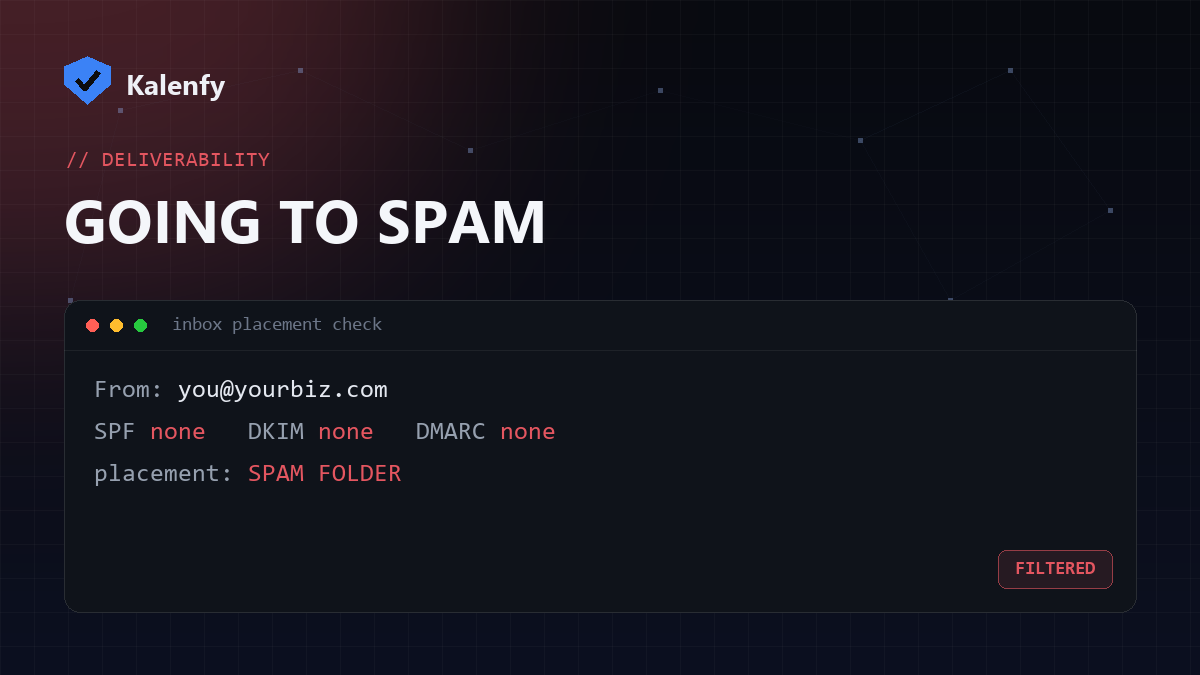
TL;DR: Nine times out of ten, business email lands in spam because of missing or broken email authentication — SPF, DKIM and DMARC. Since 2024, Gmail and Yahoo actively filter or reject mail from domains that fail these checks. Other causes are spammy content, a poor sending reputation, or a blacklisted IP. Fix the authentication first — it's the most common cause and the most fixable. Scan your domain free to see exactly which records you're missing.
The #1 reason: broken email authentication
Three DNS records tell receiving servers that your mail is really from you and wasn't tampered with:
- SPF — lists the servers allowed to send for your domain.
- DKIM — signs each message so it can be verified.
- DMARC — tells receivers what to do when SPF/DKIM fail, and gives you reports.
If any of these is missing or misconfigured, Gmail, Outlook and Yahoo treat your mail as suspicious. Since their 2024 bulk-sender requirements, this isn't optional — domains without proper authentication get sent to spam or rejected outright. This is the first thing to check, because it's both the most common cause and a permanent fix.
The other reasons mail lands in spam
| Cause | Sign | Fix |
|---|---|---|
| Spam-trigger content | All-caps subjects, "free!!!", lots of links/images, one big image | Write like a human; balance text and images; avoid trigger words |
| Poor domain/IP reputation | New domain, sudden volume spikes, past spam complaints | Warm up sending gradually; keep volume steady |
| Blacklisted IP | Mail to many providers bounces or junks at once | Check blacklists; request delisting; fix the root cause |
| Poor list hygiene | High bounce rate, spam-trap hits, old purchased lists | Email only people who opted in; remove dead addresses |
| No unsubscribe / list headers | Bulk mail without a one-click unsubscribe | Add List-Unsubscribe; honour opt-outs immediately |
How to find YOUR cause
- Check authentication first. Run a free scan of your domain — it shows in seconds whether SPF, DKIM and DMARC are present and valid. A failing or missing record is almost always the culprit.
- Read the message headers. Send a test to a Gmail address, open "Show original", and look for
SPF: PASS,DKIM: PASS,DMARC: PASS. Anyfailpoints straight to the fix. - Check blacklists. If only some providers junk you, your sending IP may be listed.
- Review the content. If auth passes and you're not blacklisted, look at the email itself.
Scan your domain free — you'll get an A+→F grade and see exactly which authentication records are letting you down, no signup to view it.
How to fix it
Start with authentication, in this order:
- Publish a valid SPF record that lists every service you send through (and stays under the 10-lookup limit).
- Turn on DKIM at your mail provider and publish the key.
- Add a DMARC record — start at
p=noneto monitor, then move toquarantine/reject.
Then tidy your content and list. Most "going to spam" problems disappear once authentication passes and your reputation recovers.
FAQ
Why did my emails suddenly start going to spam in 2024–2025?
Gmail and Yahoo rolled out stricter sender requirements — domains without SPF, DKIM and DMARC began getting filtered or rejected. If you never set these up, that's the most likely trigger.
I have SPF — why is mail still in spam?
SPF alone isn't enough. You also need DKIM and a DMARC policy, and your SPF must actually pass (no PermError, no
+all). A scan shows whether all three align.
How long until deliverability improves after fixing it?
Authentication fixes take effect as soon as DNS propagates (minutes to hours). Reputation recovery from past issues can take days to weeks of consistent, clean sending.
Not sure where to start? Scan your domain, then reply to your report — we're developers and can set up SPF, DKIM and DMARC for you so your mail reaches the inbox.