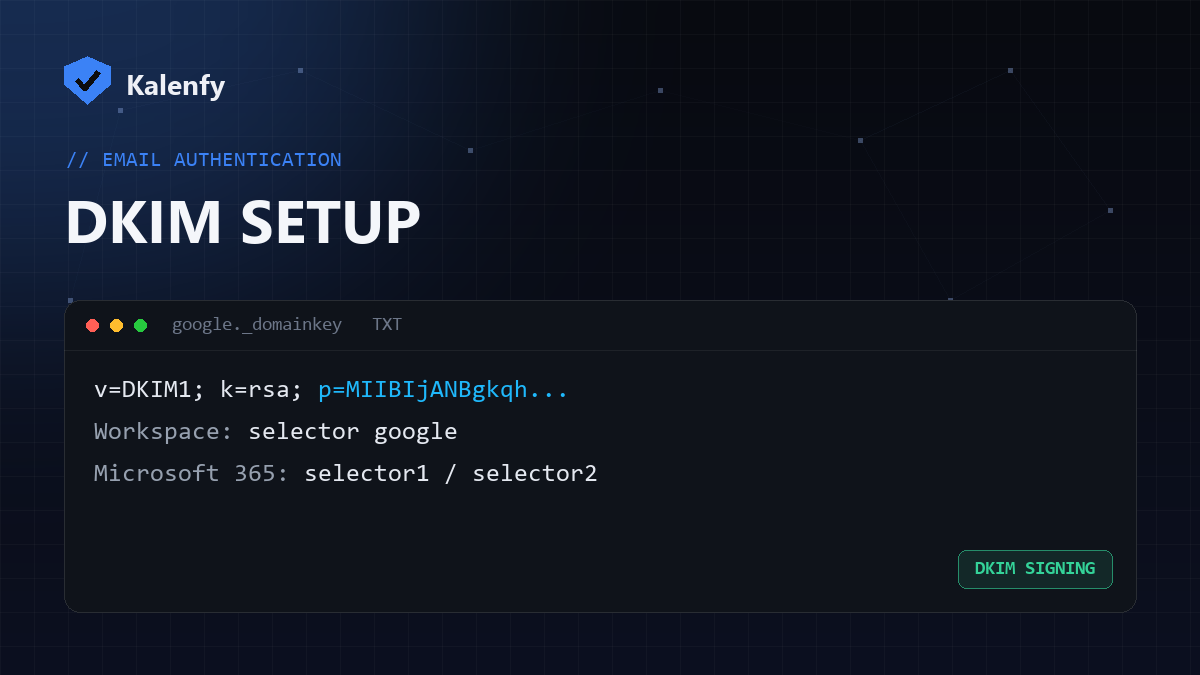
TL;DR: DKIM signs your outgoing email so receivers can verify it's really from you. To set it up you generate a key in your mail platform, publish it as a DNS record, then turn signing on. Below are the exact steps for Google Workspace and Microsoft 365. After you finish, scan your domain free to confirm DKIM is signing correctly.
Before you start
You'll need admin access to your mail platform and the ability to edit your domain's DNS records. DKIM works alongside SPF and DMARC — set all three for full protection.
Google Workspace
- Go to the Google Admin console → Apps → Google Workspace → Gmail → Authenticate email.
- Select your domain and click Generate new record (a 2048-bit key is recommended; use the default
selector
google). - Google shows you a TXT record. In your DNS, create a TXT record at
google._domainkey.yourdomain.comwith the value Google provides. - Back in the Admin console, click Start authentication. It can take up to 48 hours, but usually works within an hour.
Microsoft 365
- Open the Microsoft Defender portal → Email & collaboration → Policies & rules → Threat policies → DKIM.
- Select your domain. Microsoft asks you to publish two CNAME records (
selector1andselector2) pointing to Microsoft's DKIM hosts. - Add both CNAMEs in your DNS exactly as shown.
- Return to the DKIM page and toggle Enable for the domain. If it errors, the CNAMEs haven't propagated yet — wait and retry.
How to verify it worked
- Send a test email to a Gmail address, open Show original, and confirm
DKIM: PASS. - Or run a free scan — Kalenfy checks the common selectors and confirms whether DKIM signing is detected on your domain.
If it fails, see our guide on troubleshooting dkim=fail.
FAQ
Do I still need SPF and DMARC if I have DKIM?
Yes. DKIM proves integrity, but you need SPF too and a DMARC policy to actually block spoofing. All three work together.
What key length should I use?
2048-bit is the current recommendation. Some older DNS providers struggled with long keys, but most handle them fine today by splitting the record automatically.
How long until DKIM is active?
Usually under an hour after the DNS record propagates, though providers allow up to 48 hours.
Don't have time to wrangle DNS and admin consoles? Scan your domain, then reply to your report — we're developers and we'll set up DKIM (and SPF and DMARC) for you.