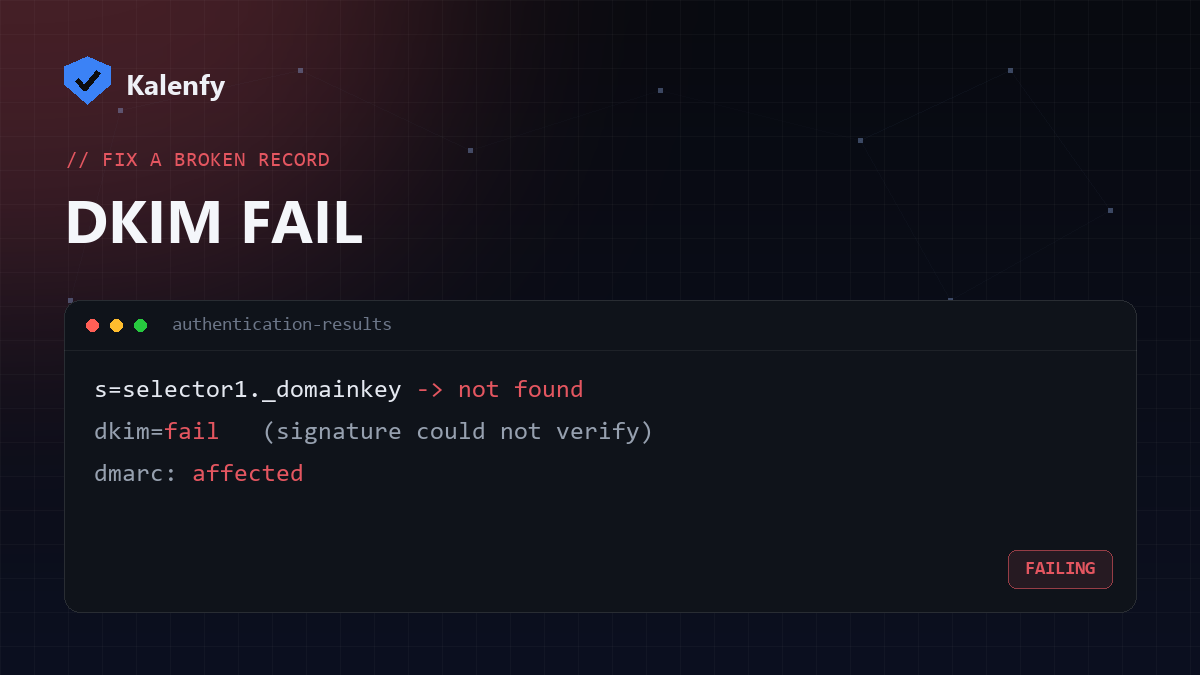
TL;DR: dkim=fail means the receiver couldn't verify your message's DKIM signature.
The usual causes are a missing or wrong selector record, a DKIM key that wasn't published
correctly, the message being modified in transit (often by a mailing list), or
alignment issues with DMARC. Check your selector record first. Scan your domain free to
see whether DKIM resolves.
What dkim=fail actually means
DKIM signs each message with a private key your mail provider holds, and receivers verify it against the public key
published in your DNS at selector._domainkey.yourdomain.com. If the receiver can't find that key, or the
signature doesn't match, you get dkim=fail in the Authentication-Results header — and with
DMARC enforcement, that can send your mail to spam.
The common causes (and the fix)
| Cause | How to spot it | Fix |
|---|---|---|
| Missing / wrong selector | No TXT record at selector._domainkey | Publish the exact selector record your provider gives you |
| Key published wrong | Record exists but is truncated or has stray spaces/quotes | Re-paste the full public key as one TXT value |
| Message modified in transit | Fails only via mailing lists or forwarders | Expected — DMARC relies on SPF or DKIM; ensure at least one aligns |
| Alignment failure | DKIM passes but DMARC still fails | Sign with a domain that matches your visible From |
| Key rotated / revoked | Used to pass, suddenly fails | Republish the current key from your provider |
How to check your DKIM
- Find your selector. Send a test email, open "Show original" in Gmail, and look at the DKIM
signature's
s=tag — that's your selector. - Look up the key. Check for a TXT record at
selector._domainkey.yourdomain.comstarting withv=DKIM1. - Run a free scan — Kalenfy probes the common selectors and tells you whether DKIM signing is detected on your domain. Scan now.
How to fix dkim=fail
- Enable DKIM at your provider (Google Workspace, Microsoft 365, your ESP) and copy the public key it generates.
- Publish it exactly as a TXT record at the selector it specifies — no missing characters, no extra quotes. Long keys may need to be split into chunks by your DNS provider; most do this automatically.
- Wait for propagation and send a test to Gmail; confirm
dkim=passin the headers. - Pair with SPF and DMARC so a single failure (e.g. a forwarded message) doesn't sink your authentication.
FAQ
My DKIM passes but DMARC still fails — why?
That's an alignment issue: the domain that signed the message must match your visible From domain. Sign with your own domain, not the provider's.
Why does DKIM only fail on mailing lists?
Lists often modify the message (adding footers/subjects), which breaks the signature. This is expected — make sure SPF or DKIM still aligns so DMARC passes overall.
Can I have more than one DKIM key?
Yes — multiple selectors are fine (one per sending service), unlike SPF, where only one record is allowed.
Stuck on a DKIM failure? Scan your domain, then reply to your report — we're developers and we'll get DKIM signing and aligning correctly for you.