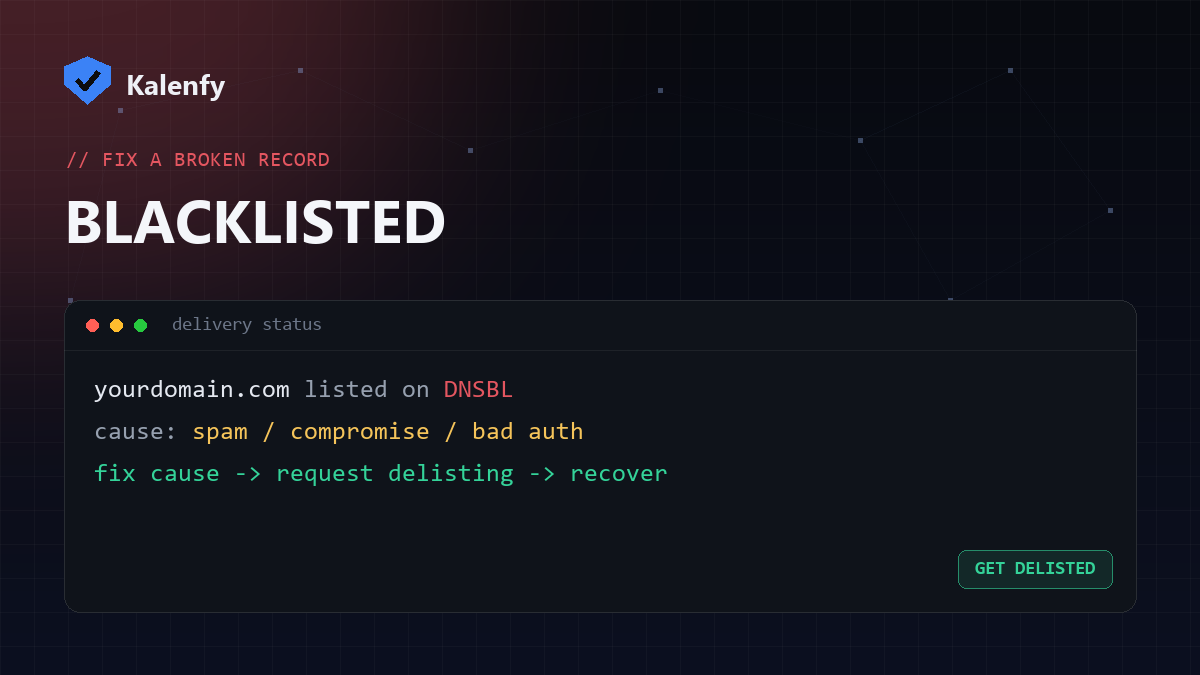
TL;DR: If your mail is bouncing with "listed on a blocklist" errors, your domain or sending IP is on a blacklist (DNSBL). To fix it: find which list, fix the underlying cause (compromise, spam complaints, or broken authentication), then request delisting. Don't request removal before fixing the cause — you'll just get relisted. Scan your domain free to rule out an authentication problem first.
What a blacklist is
Blacklists (also called blocklists or DNSBLs, like Spamhaus) are lists of domains and IPs known for sending spam. Mailbox providers check them and reject or junk mail from anything listed. Being on one can quietly destroy your deliverability.
Why you got listed
- A compromised account or site sending spam without your knowledge.
- Spam complaints from recipients, or emailing a purchased/old list.
- Broken authentication — missing SPF/DKIM/DMARC makes you look like a spoofer.
- A shared IP where another sender misbehaved (common on cheap hosts).
How to check if you're listed
- Read your bounce messages — they often name the blacklist and give a removal URL.
- Use a multi-blacklist lookup tool with your domain and sending IP.
- Scan your domain to confirm your SPF/DKIM/DMARC are correct — bad auth is a frequent root cause.
How to get delisted
- Fix the cause first. Clean up any compromise, stop the bad sending, and fix your authentication. This is the step people skip — and why they get relisted.
- Find the list's removal form (each blacklist has its own process) and submit a delisting request.
- Be patient — some delist automatically once the bad behaviour stops; others take a manual review.
How to stay off
Lock down authentication, keep your lists clean, monitor with DMARC reports, and follow good deliverability practices. Prevention is far easier than delisting.
FAQ
How long does delisting take?
From minutes (automatic) to a few days (manual review), depending on the blacklist and whether the cause is clearly fixed.
I fixed everything but I'm still listed — why?
Some lists need a manual removal request, and reputation recovers gradually. Submit the form and keep sending clean.
Can bad SPF/DMARC get me blacklisted?
Indirectly, yes — it makes your mail look like spoofing and invites complaints. Fixing authentication is a core part of recovery.
Blacklisted and not sure why? Scan your domain, then reply to your report — we're developers and we'll find the cause, fix your setup, and help you get delisted.