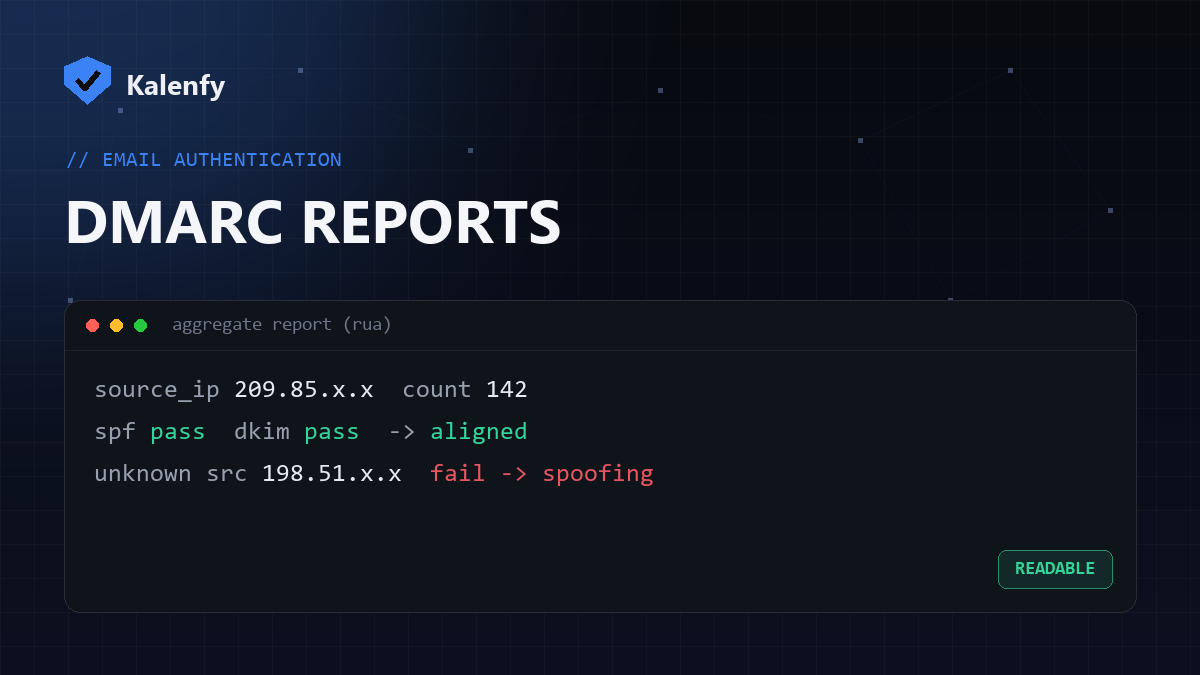
TL;DR: DMARC aggregate reports (the rua ones) are XML files that mailbox providers send
you daily, listing who sent email "as" your domain and whether it passed SPF and DKIM. Raw, they're unreadable — but the
important parts are just: source IP, message count, SPF result, DKIM result, and disposition. Read those and you
can spot both your failing legitimate senders and spoofers. Scan your domain
free to confirm your DMARC reporting is set up.
What's in a DMARC aggregate report
Each report covers a time window from one provider (Google, Microsoft, etc.) and groups messages by sending source. For every source you get:
| Field | What it tells you |
|---|---|
source_ip | Which server sent mail as your domain |
count | How many messages from that source |
spf result | Did SPF pass, and did it align with your domain? |
dkim result | Did the DKIM signature pass and align? |
disposition | What the receiver did: none, quarantine or reject |
DMARC passes if either SPF or DKIM passes and aligns with your visible From domain.
How to actually read them
- Don't read the XML by hand. Use a DMARC report viewer/parser (many free ones) that turns the files into a table, or have them sent to a monitoring service.
- Group by source IP. Identify which sources are your legitimate tools (mail host, CRM, newsletter) versus unknown ones.
- Check pass/fail per source. A known sender failing = a config gap to fix. An unknown source sending volume = possible spoofing.
What to look for
- Your own senders failing — fix their SPF/DKIM before you raise your DMARC policy to enforcement, or you'll block real mail.
- Unknown sources passing — usually a forgotten tool; add it or investigate.
- Unknown sources failing in volume — that's spoofing, and exactly why you want
p=reject.
FAQ
Why are DMARC reports XML?
The aggregate format is machine-readable by design, meant to be parsed by tools, not read by humans. That's why a viewer makes them usable.
What's the difference between rua and ruf?
rua is aggregate data (summaries, what you'll use day-to-day). ruf is forensic/per-message and
far less commonly supported.
Do I need to read them forever?
Most closely while you move from p=none to reject. After that, periodic checks catch new tools
or new spoofing.
Don't want to wrangle XML and monitor sources yourself? Scan your domain, then reply to your report — we're developers and we'll set up DMARC reporting and watch it for you.