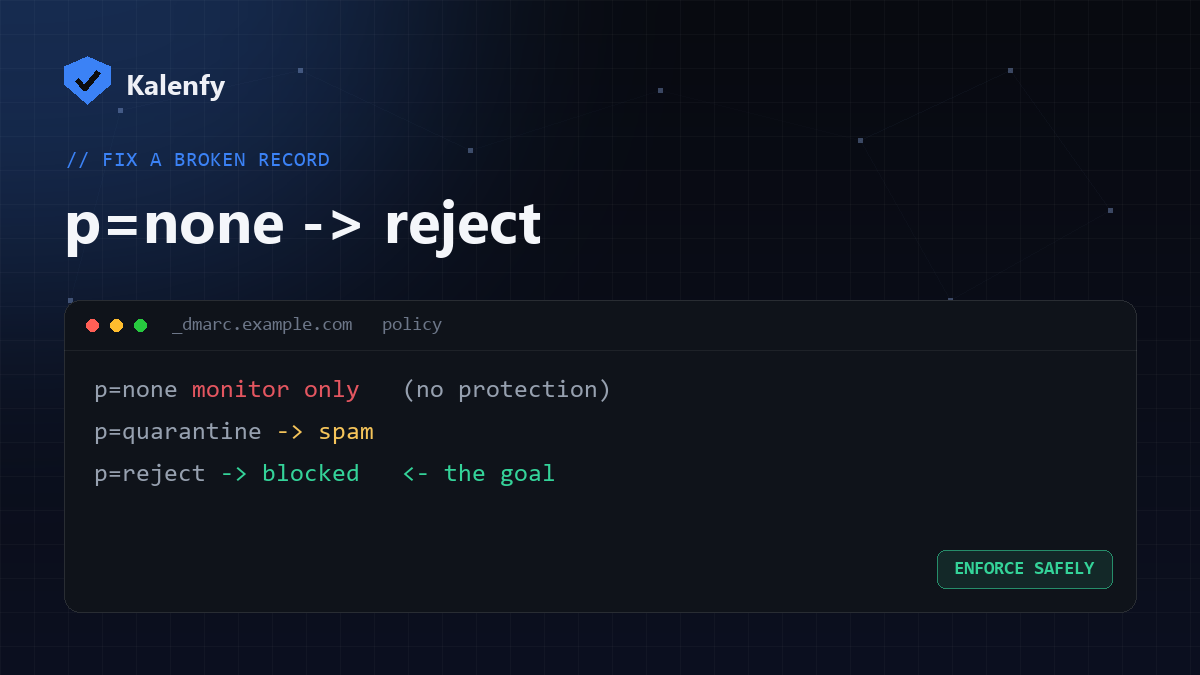
TL;DR: A DMARC policy of p=none only monitors — it does nothing to stop
spoofing. p=quarantine sends fakes to spam; p=reject blocks them outright. Most domains sit at
p=none and are still fully spoofable. The goal is p=reject, reached in stages while watching your
DMARC reports so real mail keeps passing. Scan your domain free to see your current policy.
The three DMARC policies
| Policy | What receivers do on failure | Protection |
|---|---|---|
p=none | Nothing — just send you reports | None (monitoring only) |
p=quarantine | Deliver failing mail to spam/junk | Partial |
p=reject | Refuse failing mail outright | Full — the goal |
Why p=none isn't protection
It's a common trap: a domain publishes a DMARC record, a scanner says "DMARC present", and everyone assumes they're
covered. But at p=none, a spoofed message that fails authentication is still delivered normally — receivers
have no instruction to block it. You're collecting evidence, not stopping attacks. That's why a domain at
p=none can still be actively spoofed. Use p=none
as a starting point, not a destination.
The safe path to p=reject
- Start at
p=nonewith reporting. Add arua=address and collect reports for one to two weeks. - Fix every legitimate sender. The reports show which of your tools (CRM, newsletter, helpdesk) are failing — get SPF/DKIM aligned for each before you tighten.
- Move to
p=quarantine. Optionally usepct=to apply it to a percentage first, then ramp to 100%. - Move to
p=reject. Once your real mail consistently passes, switch to reject for full protection.
Done in this order, you reach enforcement without ever sending legitimate mail to spam.
Common mistakes
- Leaving the policy at
p=noneindefinitely — that's the single most common gap. - Jumping straight to
rejectbefore confirming your own senders pass. - Ignoring the reports, so a failing sender only surfaces when real mail starts bouncing.
- Forgetting the subdomain policy (
sp=), leaving subdomains spoofable.
FAQ
Is p=quarantine enough, or do I need reject?
Quarantine sends fakes to spam, which is decent, but reject stops them entirely and is the recommended end
state once your legitimate mail passes.
How long should I stay at p=none?
Long enough to confirm all your real senders pass in the reports — usually one to two weeks for a small business.
Will reject ever block my real email?
Not if you fixed your senders first. That's the whole point of the staged rollout — verify in reports, then enforce.
Want to get to p=reject without risking your mail flow? Scan your domain, then reply to your
report — we're developers and we'll take your DMARC to enforcement safely for you.