TL;DR: A DMARC record is a single TXT record published at
_dmarc.yourdomain.com. The two tags you must have are v=DMARC1 and a policy
p=; everything else is optional. A safe starter is
v=DMARC1; p=none; rua=mailto:you@yourdomain.com. Below is every tag explained, plus copy-paste examples.
Scan your domain free after you publish to confirm it's valid.
Where the record goes
Create a TXT record with the host/name _dmarc (so it resolves at
_dmarc.yourdomain.com) and paste the DMARC value. Just one DMARC record per domain.
Every DMARC tag, explained
| Tag | Meaning |
|---|---|
v=DMARC1 | Required. Version — must come first. |
p= | Required. Policy: none, quarantine or reject. |
rua= | Where to send aggregate reports, e.g. mailto:you@yourdomain.com. |
ruf= | Where to send forensic reports (rarely supported). |
pct= | Percentage of mail the policy applies to (e.g. pct=25 while ramping). |
sp= | Policy for subdomains (defaults to p if omitted). |
adkim= / aspf= | Alignment strictness: r (relaxed, default) or s (strict). |
fo= | Forensic options, e.g. fo=1 to report any failure. |
Copy-paste examples
Safe starter (monitor only):
v=DMARC1; p=none; rua=mailto:dmarc@yourdomain.comEnforcement (after you've confirmed your senders pass):
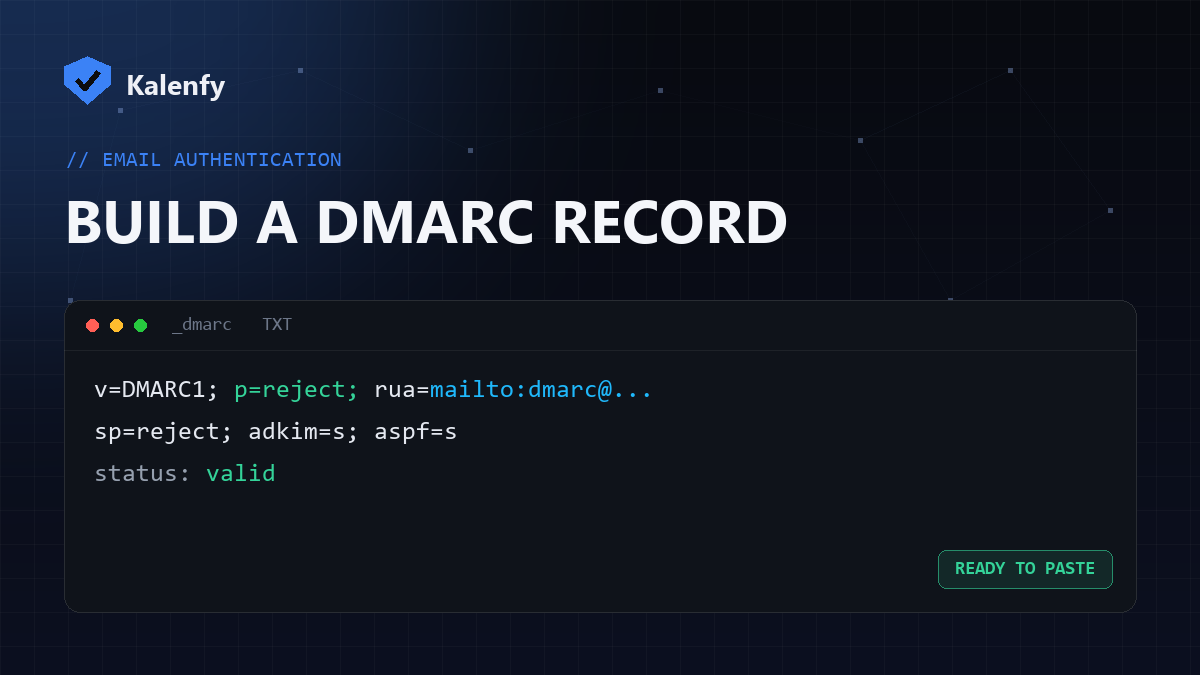
v=DMARC1; p=reject; rua=mailto:dmarc@yourdomain.com; sp=reject; adkim=s; aspf=sParked / non-sending domain:
v=DMARC1; p=reject; rua=mailto:dmarc@yourdomain.comReplace the email with a mailbox you actually check. Don't jump straight to reject on a sending domain —
move there in stages so you don't block real mail.
After you publish
- Wait for DNS to propagate (minutes to a couple of hours).
- Scan your domain to confirm the record is valid and detected.
- Watch your aggregate reports and tighten the policy over time.
FAQ
What's the minimum valid DMARC record?
v=DMARC1; p=none is technically valid, but always add rua= so you actually receive reports.
Do I need ruf and fo?
No — forensic reporting is rarely supported and optional. Start with rua.
Can I generate it automatically?
You can, but the tags above are all there is — picking your policy and a reporting mailbox is the only real decision.
Want it set up and tuned for you? Scan your domain, then reply to your report — we're developers and we'll publish the right DMARC record and take it to enforcement safely.