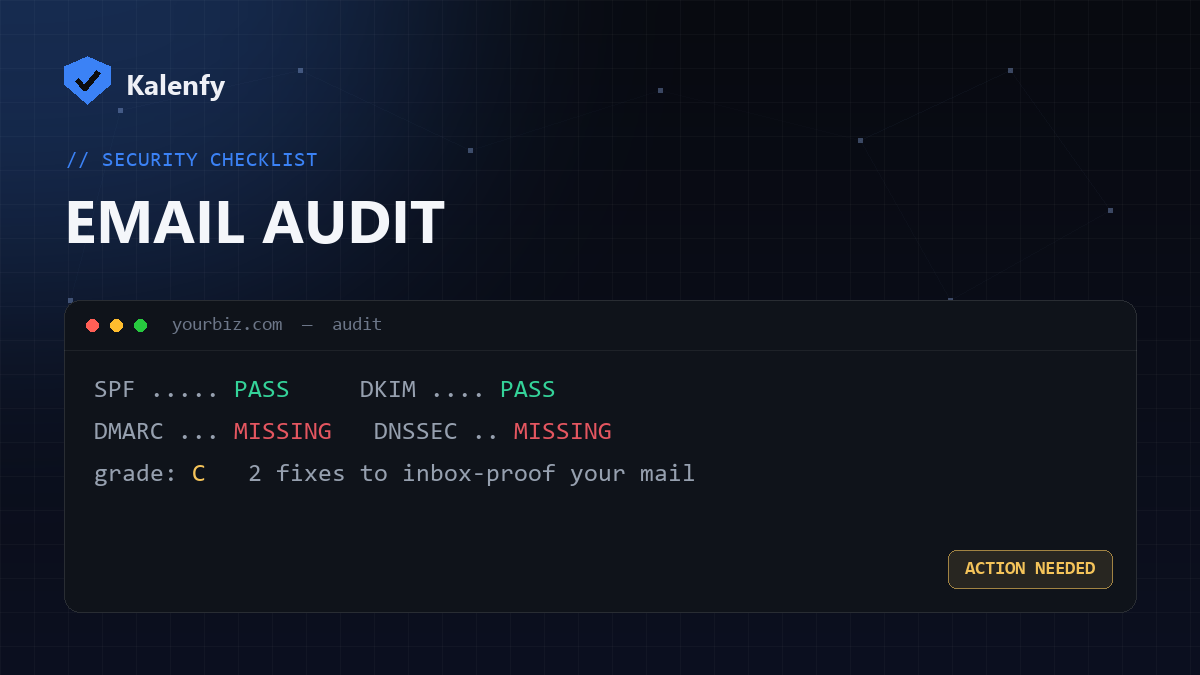
TL;DR: An email security audit answers two questions: can someone send email pretending to be you? and does your real mail reach the inbox? Both come down to a handful of DNS records — SPF, DKIM, DMARC, DNSSEC and CAA. The fastest audit is a free scan that checks all of them at once and grades you A+→F. Run yours now — no signup to see the result.
What an email security audit covers
For a small business, a practical audit checks each of these:
| Check | What it protects |
|---|---|
| SPF | Stops unauthorised servers sending as your domain |
| DKIM | Proves your messages weren't altered in transit |
| DMARC | Tells receivers to block spoofed mail and reports attempts |
| DNSSEC | Stops attackers tampering with your DNS answers |
| CAA | Limits which authorities can issue SSL certificates for you |
| MX & mail-TLS | Confirms mail routing and that inbound mail is encrypted |
Each is a public DNS record, so the whole audit can run passively — no logins, no intrusion, nothing that touches your live systems.
Why small businesses need one
Attackers don't skip small businesses — they prefer them, because the defences are usually weaker. A domain without DMARC can be spoofed to send fake invoices to your customers in your name. Missing authentication is also the top reason legitimate mail lands in spam, and since 2024 Google and Yahoo require it. The cost of an audit is minutes; the cost of a spoofing incident is your reputation.
The free 60-second version
You can check each record by hand, but the quickest audit is a single scan. Scan your domain with Kalenfy and you'll get a plain-English grade plus a downloadable PDF listing every issue and exactly how to fix it. It covers all nine records above — most tools check only one.
What to do with the results
- Fix anything red first — usually missing SPF, DKIM or DMARC, which leave you spoofable.
- Move DMARC toward enforcement — from
p=nonetoquarantine/rejectonce your real mail passes. - Add the quieter wins — DNSSEC and a CAA record harden your domain further.
- Re-scan to confirm your grade improved.
FAQ
How often should I audit?
Re-check whenever you add or remove an email tool (a new CRM or newsletter often breaks SPF), and at least a couple of times a year.
Do I need technical skills?
To read the audit, no — a good scan grades everything in plain English. To apply the fixes you'll edit DNS records, which your provider documents; or you can have someone do it for you.
Is a free scan enough, or do I need a paid audit?
A free scan covers the DNS and email-authentication layer that causes most real-world problems. A deeper review (web surface, headers, exposed files) adds more, but the free scan is the right first step.
Want the audit done and the issues fixed without touching DNS yourself? Scan your domain, then reply to your report — we're developers and we'll lock everything down for you.