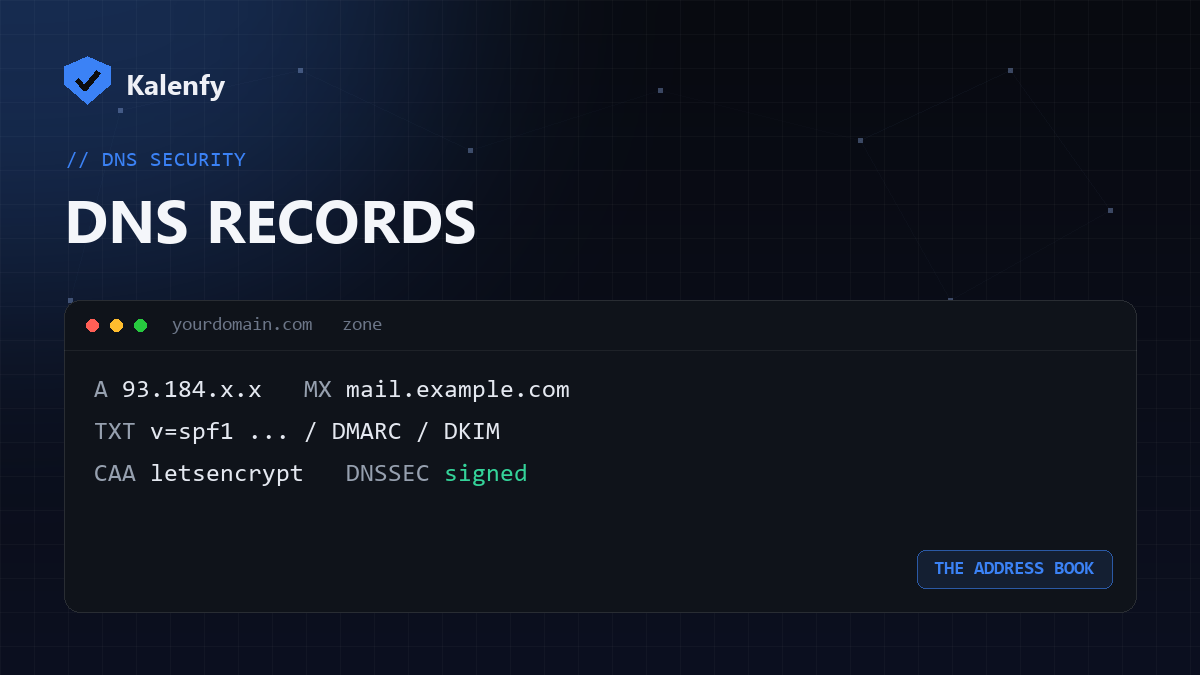
TL;DR: DNS is the internet's address book — it turns your domain name into the records browsers and
mail servers need. The everyday ones: A/AAAA (point to a server), CNAME (alias),
MX (mail), TXT (verification and email security), NS (nameservers). Several of these
are also where your security lives. Scan your domain free to see how yours is configured.
The records you'll actually meet
| Record | What it does |
|---|---|
A | Points your domain to an IPv4 address (a server). |
AAAA | Same, but for an IPv6 address. |
CNAME | An alias pointing one name at another (e.g. www → your apex). |
MX | Where email for your domain should be delivered. |
TXT | Free-form text — used for verification and for SPF, DKIM and DMARC. |
NS | Which nameservers are authoritative for your domain. |
SOA | Administrative info about the zone (primary NS, serial, timers). |
CAA | Which authorities may issue SSL certificates — see CAA records. |
SRV / PTR | Service location and reverse-DNS (less common day-to-day). |
How DNS resolves a request
When someone visits your site or emails you, their server asks the DNS system for your records: the NS
records say who's authoritative, the A/AAAA records give the web server's address, and the
MX records route mail. It all happens in milliseconds — and because it's public, anyone (including attackers)
can read it, which is why the security records matter.
The records that protect you
- TXT (SPF/DKIM/DMARC) — stop others sending email as your domain.
- CAA — limit who can issue SSL certificates for you.
- DNSSEC — cryptographically sign your zone so answers can't be forged.
- Null MX — declare that a non-sending domain accepts no mail.
Most domains have the everyday records right but miss the security ones entirely — which is exactly what a scan reveals.
How to check your DNS
You can query records one by one, or run a free scan that reads the security-relevant ones (SPF, DKIM, DMARC, DNSSEC, CAA, MX and more) and grades your domain in plain English.
FAQ
What's the difference between an A record and a CNAME?
An A record points to an IP address; a CNAME points to another hostname. You can't put a CNAME
at your root domain in most setups — use an A (or ALIAS/ANAME) there.
How long do DNS changes take?
From minutes to a couple of hours, depending on the record's TTL and your provider.
Are DNS records public?
Yes — anyone can look them up. That's why authentication and integrity records (SPF, DMARC, DNSSEC, CAA) exist.
Not sure your DNS is set up safely? Scan your domain, then reply to your report — we're developers and we'll sort out the records that protect you.