TL;DR: A CAA record (Certification Authority Authorization) is a DNS record that lists exactly which certificate authorities are allowed to issue SSL/TLS certificates for your domain. Without one, any CA in the world can issue a certificate for you — which widens the door to mis-issued or fraudulent certificates. Adding a CAA record is a quick, one-time DNS change. Scan your domain free to see if you have one.
What is a CAA record?
Every HTTPS website relies on an SSL/TLS certificate issued by a Certificate Authority (CA) — Let's Encrypt, DigiCert, Google Trust Services, and others. By default, all of these CAs are allowed to issue a certificate for your domain. A CAA record lets you publish a short whitelist in DNS that says "only these CAs may issue certificates for me." Compliant CAs are required to check it before issuing.
Why it matters
If an attacker (or a misconfigured service) convinces a CA you don't use to issue a certificate for your domain, they could impersonate your site with a valid-looking padlock. A CAA record shrinks that risk: it restricts certificate issuance to the CAs you actually use, and most domains never set one — so it's a cheap, often-missed hardening step. It pairs well with DNSSEC for stronger domain integrity.
What a CAA record looks like
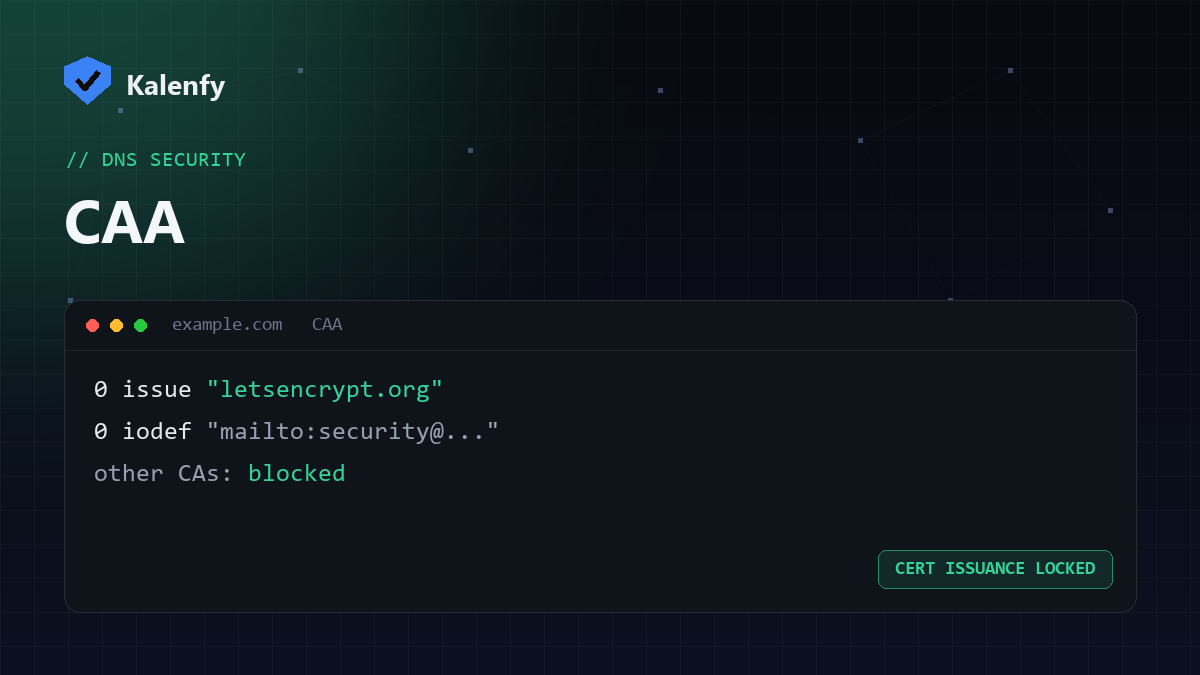
A CAA record is published on your domain. A typical example that authorises only Let's Encrypt and sends violation reports looks like this:
example.com. CAA 0 issue "letsencrypt.org"example.com. CAA 0 iodef "mailto:security@example.com"
| Tag | What it controls |
|---|---|
issue | Which CA may issue standard certificates |
issuewild | Which CA may issue wildcard (*.example.com) certificates |
iodef | Where to report attempted violations (an email or URL) |
To block all issuance, you set issue ";". To allow several CAs, you publish one issue
entry per CA.
How to check your CAA record
Look up the CAA record on your domain, or run a free scan — it flags whether a CAA record is present and which CAs you've authorised. Scan your domain and you'll see it in your grade in seconds.
How to add a CAA record
- Find out which CA issues your certificate (e.g. Let's Encrypt if you use Cloudflare or most hosts; check your cert details in the browser).
- In your DNS provider, add a CAA record with tag
issueand the CA's identifying domain (for Let's Encrypt that'sletsencrypt.org). - Add an
issuewildentry too if you use wildcard certificates, and aniodefentry to get notified of attempted violations. - Double-check you've authorised every CA you use — otherwise renewals can fail.
FAQ
Will a CAA record break my existing certificate?
No — existing certificates keep working. CAA is only checked at issuance. The risk is forgetting to authorise a CA you use, which would block future renewals, so list them all.
Is a CAA record required?
It's not mandatory, but it's a recommended hardening step that most domains skip. It's low-effort and reduces the risk of mis-issued certificates.
Does a CAA record replace DNSSEC or HTTPS?
No — they protect different things. Use CAA alongside DNSSEC, HTTPS and email authentication for full coverage.
Want to know your domain's full DNS posture — CAA, DNSSEC, SPF, DMARC and more — in one grade? Run a free Kalenfy scan, and if anything's missing, reply to your report and we'll set it up for you.