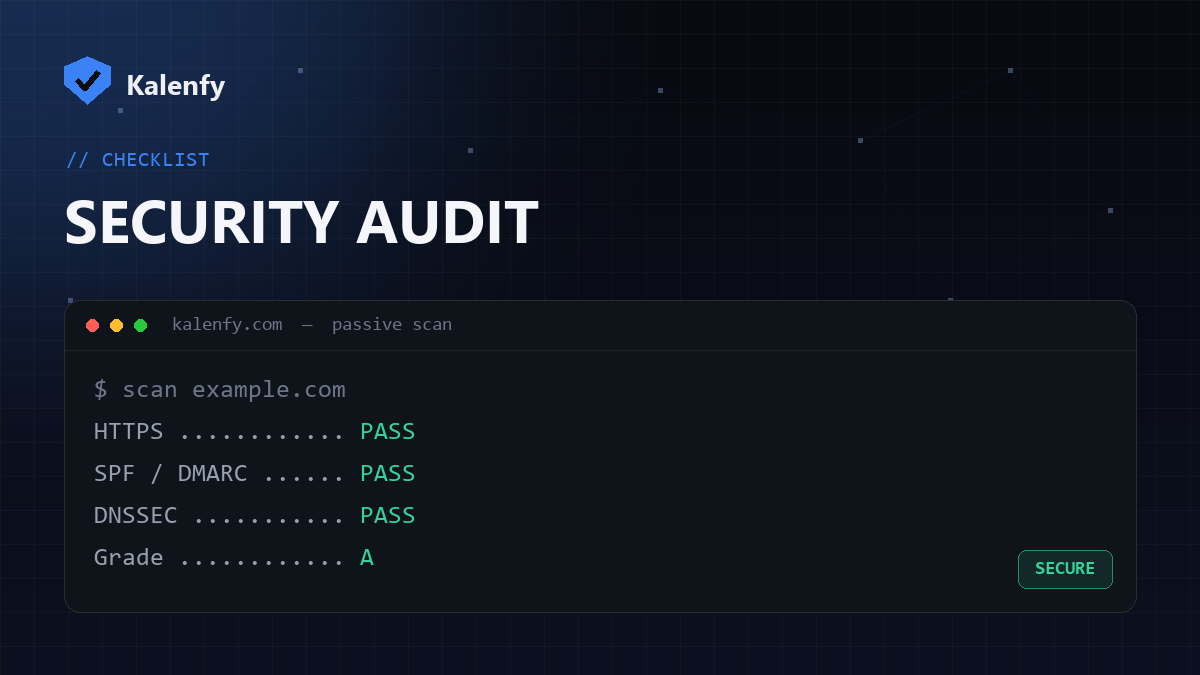
If you run a website, "is my website secure?" is one of the most important questions you can ask — and one of the easiest to put off. The good news: most of the checks that matter are public, passive and free to run. You don't need to be a security engineer to find the big gaps.
This checklist walks through the security signals that attackers and search engines both care about, and how to test each one yourself. Everything here reads only public information — it never logs in to or attacks your site.
1. Is your site served over HTTPS?
HTTPS encrypts traffic between your visitors and your server. Without it, passwords and form data travel in plain text, and browsers show a "Not secure" warning that scares users away. Open your site with https:// and check for the padlock. Also confirm that the plain http:// version redirects to HTTPS — otherwise the secure version is optional, which defeats the point.
2. Can attackers send email as your domain? (SPF, DKIM, DMARC)
Even a perfectly coded website can be abused if your email authentication is missing. Three DNS records work together to stop scammers from sending phishing emails that look like they came from you:
- SPF lists which servers are allowed to send mail for your domain.
- DKIM cryptographically signs your messages so receivers can verify they weren't tampered with.
- DMARC tells receiving servers what to do when a message fails SPF and DKIM — and gives you reports.
If you have no DMARC policy (or it's set to p=none forever), your domain can be spoofed. This is the single most common gap we see.
3. Is your DNS protected with DNSSEC?
DNSSEC signs your DNS records so that attackers can't quietly redirect your domain to a malicious server through DNS spoofing or cache poisoning. Many domains never enable it. It's a one-time setting at your registrar or DNS provider.
4. Do you control who can issue SSL certificates? (CAA)
A CAA record tells certificate authorities which of them are allowed to issue certificates for your domain. Without it, any CA can — which widens the door for mis-issued certificates.
5. Are your security headers set?
HTTP response headers like Content-Security-Policy, Strict-Transport-Security (HSTS) and X-Frame-Options defend against cross-site scripting, downgrade attacks and clickjacking. Missing headers are a quiet but common weakness.
6. Are you leaking files you shouldn't?
Exposed .env files, .git folders, backups and secrets in public HTML or JavaScript are a goldmine for attackers. These get exposed by accident all the time during deploys.
7. Is your CMS or stack out of date?
An end-of-life CMS, plugin or framework version is an open invitation. Outdated software is behind a huge share of real-world breaches.
The fastest way to run this whole checklist
You can check each item by hand with DNS lookups and browser tools — but it's tedious. The fastest route is a passive scanner that reads all of these public signals at once and gives you a single grade plus a fix list. That's exactly what Kalenfy does, free, in about ten seconds.