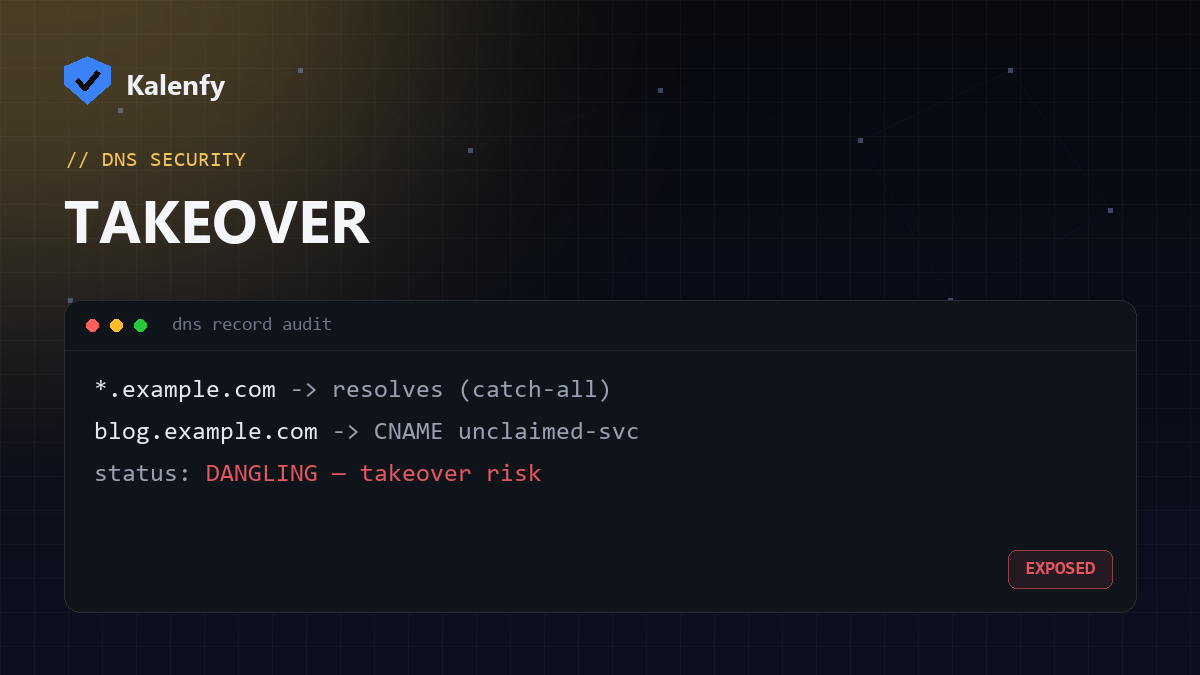
TL;DR: A wildcard DNS record (*.yourdomain.com) makes every
subdomain resolve, even ones you never created. Combined with dangling records — a CNAME pointing to a
cloud service you no longer use — attackers can quietly take over a subdomain and host phishing or malware
on your real domain. Most domains never check for this. Scan your domain free to see if you're exposed.
What is wildcard DNS?
A wildcard record like *.yourdomain.com answers for any subdomain that doesn't have its own record —
anything.yourdomain.com, random123.yourdomain.com, all of it resolves. Wildcards are sometimes
useful, but they hide a problem: there's no longer a clear list of "real" subdomains, and a visitor (or a scanner, or an
attacker) can't tell which subdomains are intentional.
What is subdomain takeover?
Subdomain takeover happens when a subdomain points (via CNAME) to a third-party service — GitHub Pages, a Heroku app, an
S3 bucket, a help-desk, a marketing tool — that you've since stopped using. The DNS record still points there, but the
target is unclaimed. An attacker can register that same service name, and now blog.yourdomain.com serves
their content under your domain. This is a "dangling" record.
Why it's dangerous
- Phishing with your brand: a page on your real domain is far more convincing than a look-alike.
- Cookie and trust abuse: a subdomain can sometimes read cookies or be trusted by your main site.
- Reputation and SEO damage: malware hosted on your domain can get you blacklisted.
Because the DNS still "works", nothing looks broken — which is exactly why dangling records sit unnoticed for months.
How to check your domain
- Run a free scan — Kalenfy flags wildcard/catch-all DNS, which is the signal that you can't easily enumerate your real subdomains.
- Audit your DNS records for CNAMEs pointing to third-party services, and confirm each target is still claimed and in use.
- Check old projects — staging sites, retired marketing pages, and discontinued apps are the usual culprits.
Scan your domain to see your wildcard status in seconds — it's one of the checks most tools skip.
How to fix and prevent it
- Remove dangling records: delete any CNAME whose target you no longer control.
- Decommission in the right order: remove the DNS record before you tear down the service it points to, not after.
- Reconsider broad wildcards: prefer explicit records for the subdomains you actually use, so unknown ones simply don't resolve.
- Review regularly: audit your DNS whenever you retire a tool or project.
FAQ
Is a wildcard DNS record always bad?
Not always — some setups legitimately need one. But it increases risk by making every subdomain resolve, so use it deliberately and keep your records tidy.
How do I know if a subdomain is "takeover-able"?
If its CNAME points to a third-party service that returns a "not found / unclaimed" response, it's a candidate. Confirming it usually needs a careful check of the target service.
Does this affect email security too?
Indirectly — protect non-sending and parked subdomains with DNS hygiene, and pair it with DMARC so they can't be used to spoof you.
Not sure what's lurking in your DNS? Scan your domain, then reply to your report — we're developers and can audit your records and close any dangling subdomains for you.