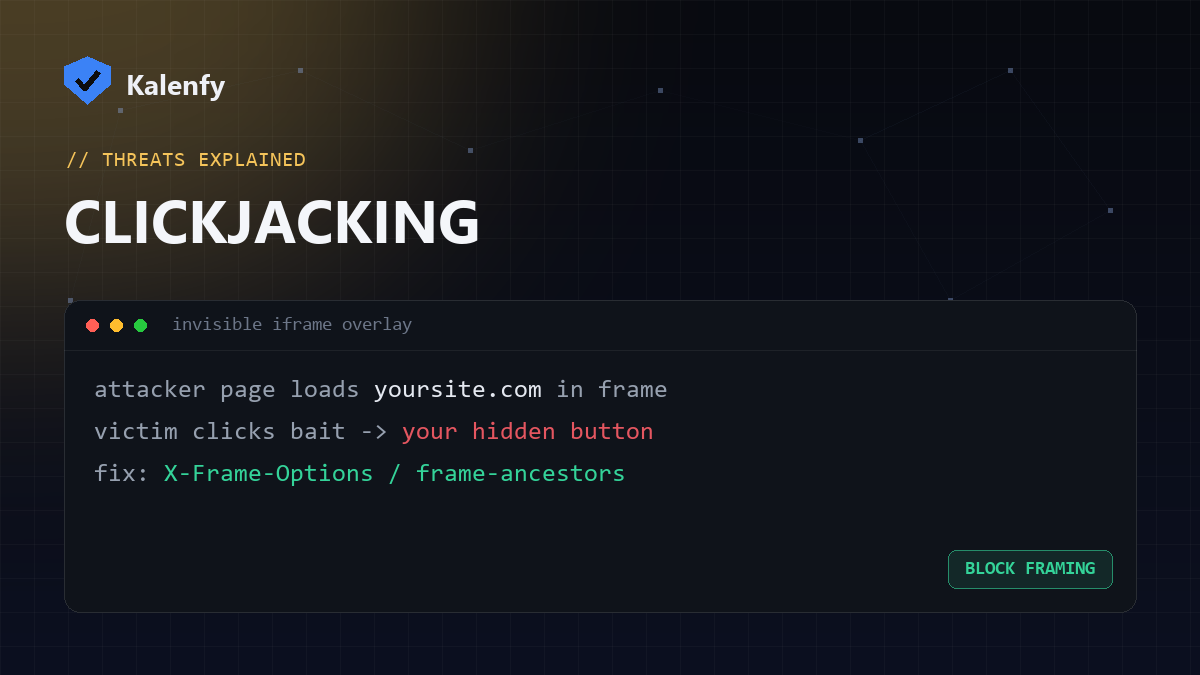
TL;DR: Clickjacking loads your website inside an invisible frame on a malicious page, so a visitor
thinks they're clicking the attacker's button but actually clicks yours — confirming a payment, changing a setting,
or granting access. You block it by telling browsers your site may not be framed, using the
X-Frame-Options header or a CSP
frame-ancestors. Scan your domain free to check your setup.
How clickjacking works
The attacker builds a page that loads your real site in a transparent iframe, positioned so a tempting
button ("Win a prize!") sits exactly over a sensitive action on your site. The victim clicks the visible bait — but the
click lands on your hidden page, performing an action with their logged-in session. They never see it happen.
Why it's dangerous
- It abuses your visitor's real, authenticated session — so it bypasses passwords.
- It can trigger one-click actions: purchases, follows, permission grants, setting changes.
- It needs no malware — just an iframe and some CSS.
How to stop it
- Set
X-Frame-OptionstoDENY(orSAMEORIGINif you need to frame your own pages). This is the simple, widely-supported fix. - Add a CSP
frame-ancestorsdirective — the modern, more flexible control:frame-ancestors 'self'(or'none'). - Use both for maximum coverage across old and new browsers.
These are response headers, so you set them once at the server or CDN — no code changes to your pages.
How to check
Run a free scan — your deeper report flags whether anti-framing protection is present, alongside your other security headers.
FAQ
X-Frame-Options or CSP frame-ancestors — which should I use?
Use frame-ancestors (CSP) as the modern control, and keep X-Frame-Options for older browsers.
Setting both is best.
Does SAMEORIGIN block everything?
It allows your own domain to frame your pages while blocking others. Use DENY / 'none' if you
never frame your own site.
Is clickjacking still a real threat in 2026?
Yes — it's simple, needs no exploit, and many sites still don't set anti-framing headers.
Not sure if your site can be framed? Scan your domain, then reply to your report — we're developers and we'll add the anti-clickjacking headers for you.