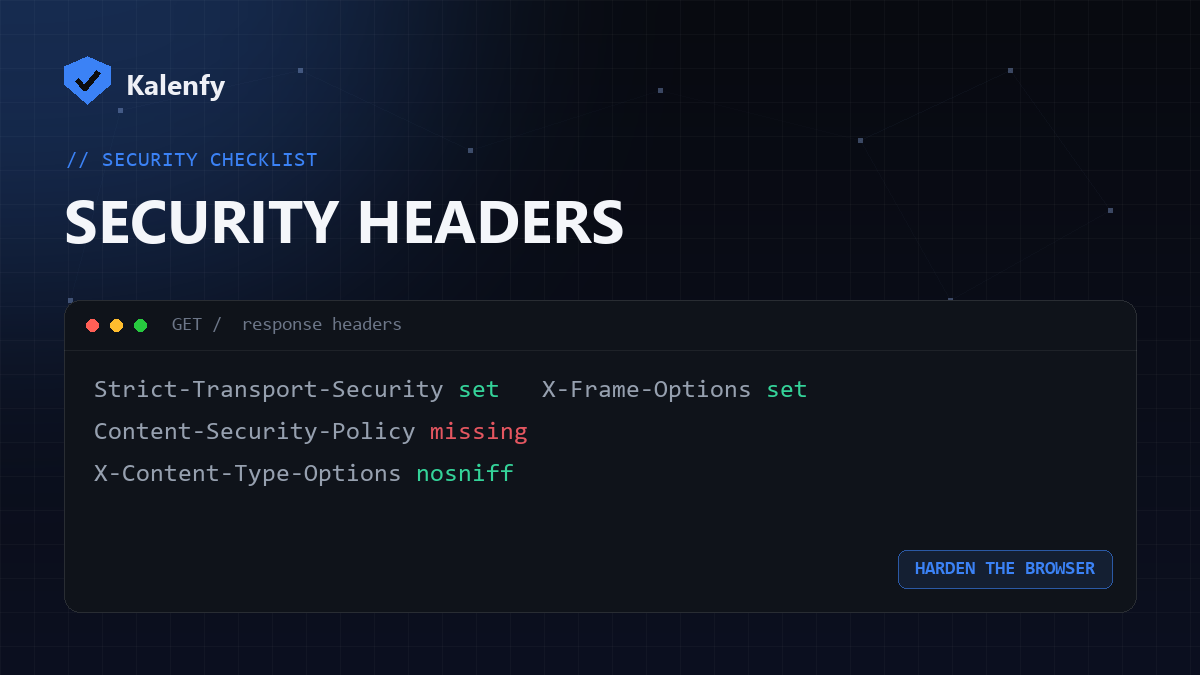
TL;DR: HTTP security headers are instructions your server sends with every page that tell the browser how to behave more safely — force HTTPS, block your site being framed, stop content-type tricks, and control what scripts can run. They're some of the cheapest security wins available: a few lines of config. Scan your domain free to start checking your setup.
The headers that matter most
| Header | What it protects against |
|---|---|
| Strict-Transport-Security (HSTS) | Forces HTTPS, preventing downgrade and cookie-stealing on public Wi-Fi. |
| Content-Security-Policy (CSP) | Controls which scripts/styles can load — the strongest defence against cross-site scripting (XSS). |
| X-Frame-Options | Stops your site being embedded in an iframe — blocks clickjacking. |
| X-Content-Type-Options | nosniff stops the browser guessing (and mis-running) file types. |
| Referrer-Policy | Limits how much URL info leaks to other sites. |
| Permissions-Policy | Disables browser features (camera, mic, geolocation) you don't use. |
Why they're worth setting
Headers are a "defence in depth" layer: even if something else slips, a good CSP can neutralise an injected script, HSTS can stop a downgrade, and X-Frame-Options can block a clickjacking overlay. They cost nothing but a little configuration, and their absence is one of the most common findings on small-business sites.
How to add them
- Apache: set them with
Header setdirectives (needsmod_headers). - Nginx: use
add_headerin your server block. - Cloudflare / CDNs: add response headers via Transform Rules or your platform's settings.
- Start CSP in report-only mode so you can see what it would block before enforcing — CSP is the one that needs care not to break your own scripts.
How to check your headers
Run a free scan to begin — your DNS and email security results are instant, and the full passive surface (HTTPS/TLS, security headers, cookie flags and exposed files) is included in your deeper report so you can see exactly which headers are missing.
FAQ
Which header should I add first?
HSTS (once you're fully on HTTPS) and X-Content-Type-Options are quick, safe wins. CSP is the most powerful but needs the most care.
Will security headers break my site?
Most won't. CSP can if it's too strict — that's why you roll it out in report-only mode first and tighten gradually.
Are headers enough on their own?
No — they're one layer. Pair them with HTTPS, updates, and email authentication for real coverage.
Want your headers configured properly without breaking anything? Scan your domain, then reply to your report — we're developers and we'll add the right headers for you.