TL;DR: An SPF record is one TXT record on your domain starting with v=spf1, listing who
may send your email, ending in -all (strict) or ~all (soft). Below are copy-paste examples for the
most common setups. Remember: only one SPF record per domain, and watch the
10-lookup limit. Scan your domain free to check
yours.
The syntax in 20 seconds
v=spf1— starts every SPF record.include:domain— authorise another sender's servers (e.g. your mail provider).ip4:/ip6:— authorise specific IPs.-all(reject unlisted) or~all(soft-fail). See ~all vs -all.
Copy-paste examples
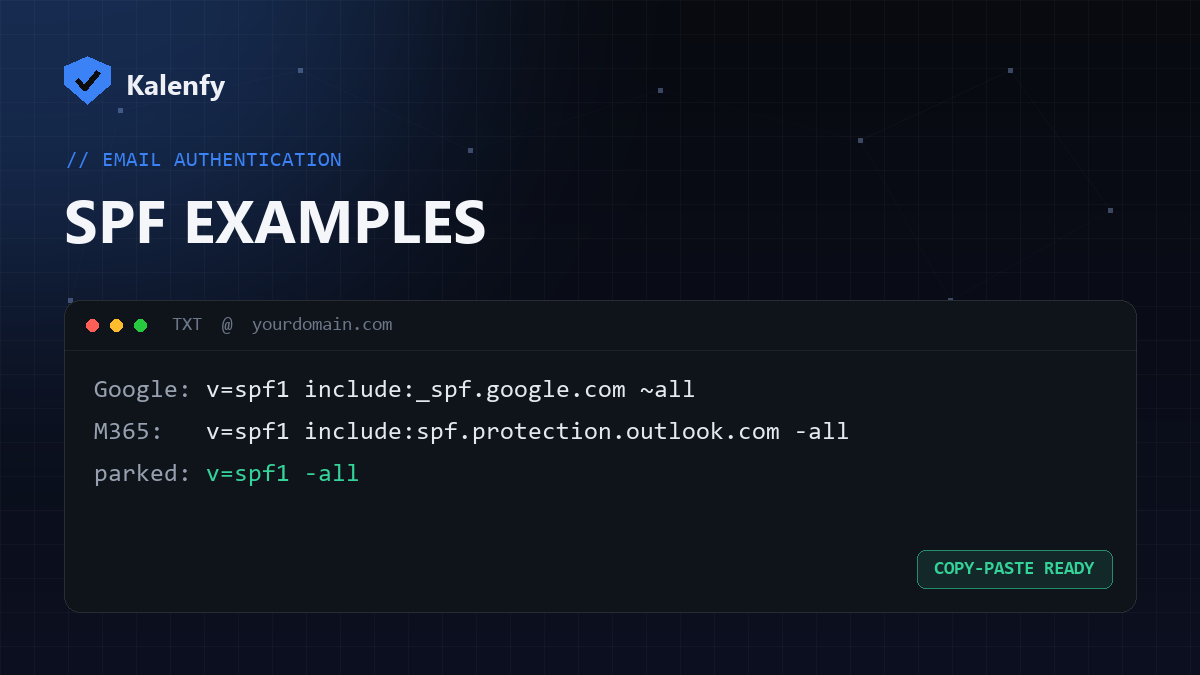
Google Workspace:
v=spf1 include:_spf.google.com ~allMicrosoft 365:
v=spf1 include:spf.protection.outlook.com -allGoogle Workspace + a third-party sender (e.g. SendGrid):
v=spf1 include:_spf.google.com include:sendgrid.net -allYour own mail server by IP:
v=spf1 ip4:203.0.113.10 -allParked / non-sending domain:
v=spf1 -allReplace the includes/IPs with your actual senders. Combine all your senders into this one record — don't create a second SPF record.
Before you publish
- List every service that sends mail as your domain and include each one.
- Keep total DNS lookups under 10 (each
includecan cost several). - Use
~allwhile testing, then tighten to-all. - Scan your domain to confirm it's valid and there's only one SPF record.
FAQ
Can I have two SPF records if I use two providers?
No — merge them into one record with multiple include: entries. Two records is invalid.
Should I end with -all or ~all?
-all once you're sure all senders are listed; ~all as a safer interim.
Does SPF cover my whole domain?
SPF is per-domain. Subdomains that send mail need their own SPF records.
Not sure your SPF is right? Scan your domain, then reply to your report — we're developers and we'll build you one clean, valid SPF record.