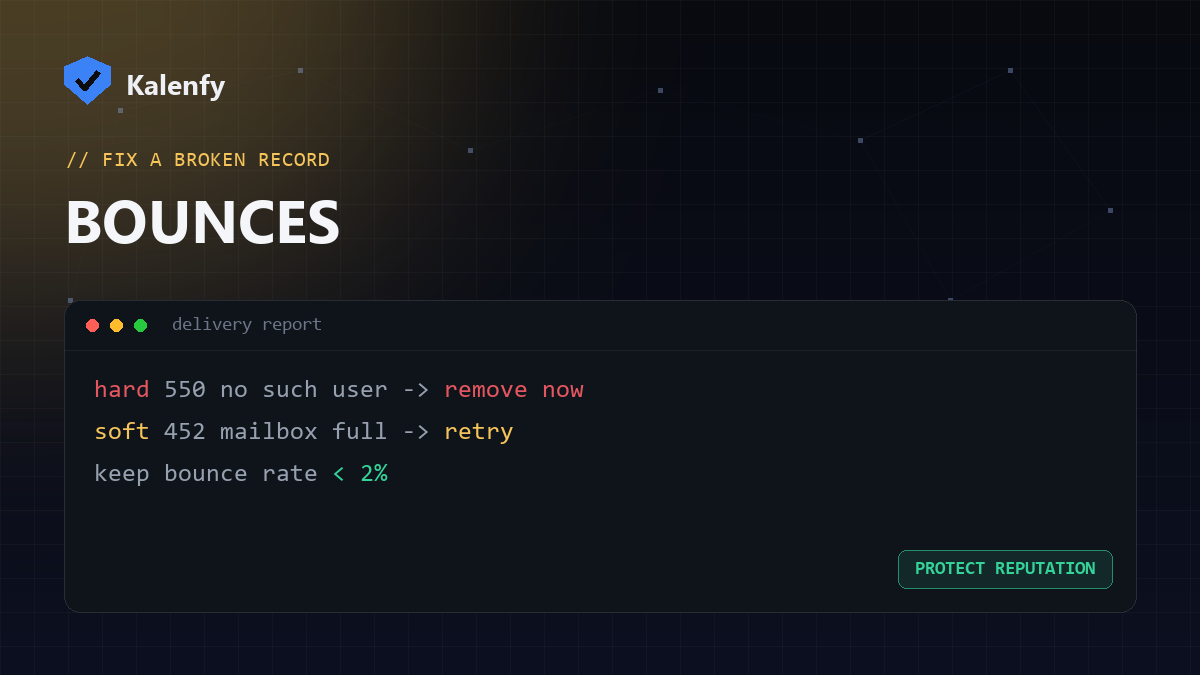
TL;DR: A bounce is an email that couldn't be delivered and came back. A hard bounce is a permanent failure (the address doesn't exist) — remove it immediately. A soft bounce is temporary (mailbox full, server busy) — it may succeed on retry. High bounce rates hurt your sender reputation, so handling them matters. Scan your domain free to rule out an authentication cause.
Hard bounce: permanent failure
The receiving server is saying "this will never work." Common causes:
- The email address doesn't exist (typo or closed account).
- The domain doesn't exist or has no mail server.
- The recipient's server permanently blocked you.
Action: remove hard-bounced addresses from your list right away. Repeatedly mailing them signals poor list hygiene and damages deliverability.
Soft bounce: temporary failure
The server is saying "not right now." Common causes:
- The mailbox is full.
- The receiving server is down or busy.
- The message is too large.
- Greylisting (a deliberate "try again later").
Action: let your mail system retry. If an address soft-bounces repeatedly over days, treat it like a hard bounce and remove it.
Why bounces matter for reputation
Mailbox providers watch your bounce rate. A high rate — especially hard bounces — tells them you're mailing a stale or purchased list, which is classic spammer behaviour. That hurts inbox placement and can lead to blacklisting. Keeping bounces low is core to good deliverability.
How to keep bounces low
- Use confirmed opt-in so addresses are valid from the start.
- Remove hard bounces automatically after one failure.
- Drop addresses that soft-bounce repeatedly.
- Fix your authentication — broken SPF/DKIM/DMARC can cause rejections that look like bounces.
FAQ
Is a soft bounce bad?
Not on its own — it's often temporary. It only becomes a problem if the same address keeps soft-bouncing.
Can authentication problems cause bounces?
Yes — if your SPF/DKIM/DMARC fail, some servers reject your mail outright, which shows up as a bounce. Fixing auth often cuts your bounce rate.
What bounce rate is acceptable?
Lower is better; consistently under ~2% is a common healthy benchmark. Spikes warrant investigation.
Seeing lots of bounces and not sure why? Scan your domain, then reply to your report — we're developers and we'll check whether authentication is the cause and fix it.