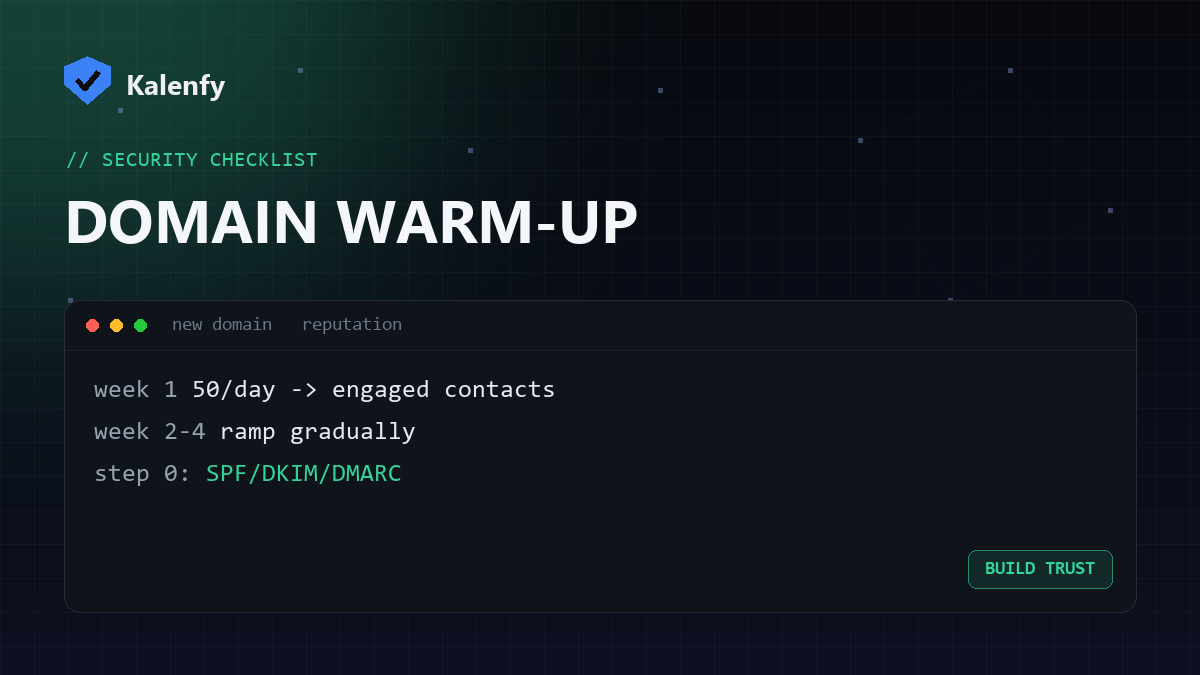
TL;DR: A new sending domain has zero reputation, so providers treat it cautiously — blast a big campaign on day one and it lands in spam or gets blocked. "Warming up" means starting with low volume to your most engaged contacts and increasing gradually over a few weeks so providers learn to trust you. Step zero is authentication. Scan your domain free to confirm it's set before you start.
Why warming up matters
Reputation is built on behaviour over time. A domain that suddenly sends thousands of messages looks exactly like a spammer who just registered a throwaway domain. Warming up shows providers a steady, engaged, well-authenticated sender — the opposite signal.
Before you send anything
- Set up valid SPF, DKIM and DMARC — sending unauthenticated from a new domain is the fastest way to the spam folder.
- Decide whether to send bulk mail from a subdomain to protect your main domain's reputation.
The warm-up process
- Start small. Send to a few dozen of your most engaged contacts (people who open and reply).
- Ramp gradually. Increase volume steadily over two to four weeks — roughly doubling every few days is a common pace.
- Prioritise engagement. Early opens, clicks and replies build positive reputation fastest, so lead with your best content to your best contacts.
- Stay consistent. Regular daily sending beats sporadic bursts.
- Watch the signals. Monitor bounces, complaints and DMARC reports; slow down if they rise.
Common warm-up mistakes
- Skipping authentication and wondering why everything bounces.
- Importing a big old/purchased list — high bounces and complaints kill a new domain instantly.
- Going too fast and tripping volume-based filters.
- Sending then going silent — inconsistency resets the trust you built.
FAQ
How long does warming up take?
Usually two to four weeks for a small sender, longer for high volumes. There's no skipping it for cold new domains.
Do transactional emails need warming up?
Low transactional volume warms more gently on its own, but the same principles (auth, consistency) apply.
Can I warm up and keep my main domain safe?
Yes — send bulk mail from a subdomain so any early reputation bumps don't affect your primary domain.
Setting up a new sending domain? Scan your domain, then reply to your report — we're developers and we'll get your SPF, DKIM and DMARC right so your warm-up starts from a clean base.