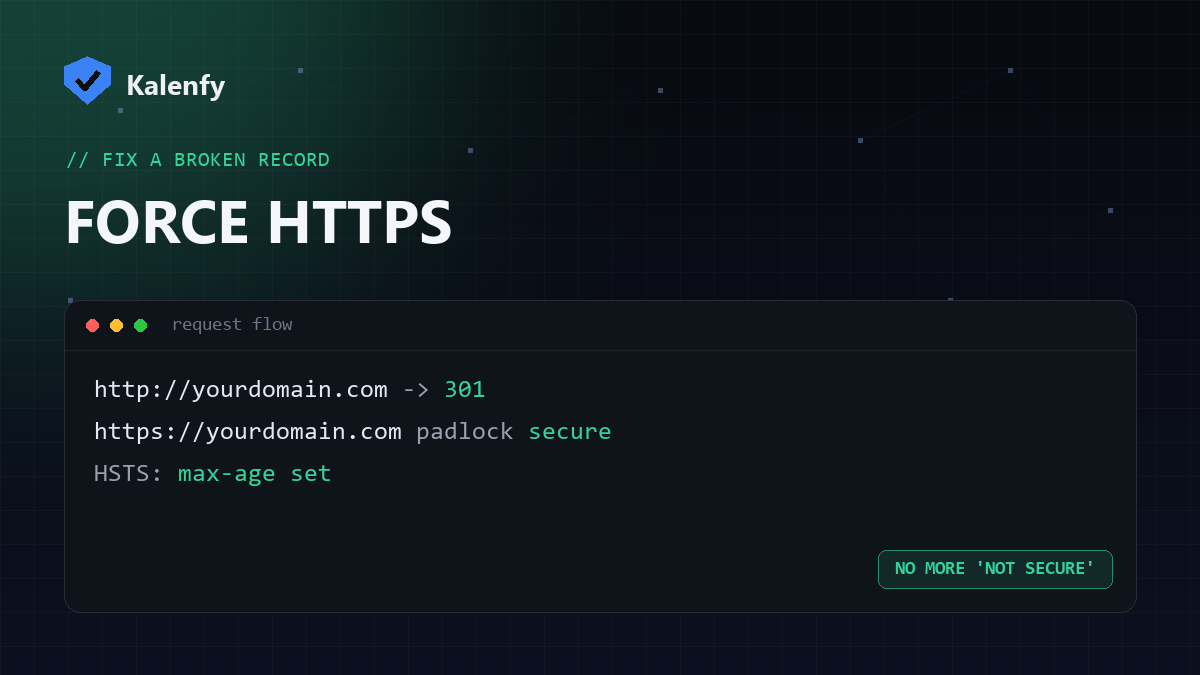
TL;DR: If your site is reachable over plain http://, browsers show a "Not secure"
warning and data can be intercepted. Fix it by redirecting all HTTP traffic to HTTPS with a 301, then
enforce it permanently with the HSTS header. Below are the steps for the
common setups. Scan your domain free to confirm HTTPS is enforced.
Why force HTTPS?
Having a certificate isn't enough if visitors can still load the http:// version — anyone on the same
network could read or tamper with that traffic, and Chrome flags the page as "Not secure". A redirect makes sure
every request ends up on the encrypted version.
Apache (.htaccess)
Add a rewrite that sends all HTTP requests to HTTPS:
RewriteEngine On
RewriteCond %{HTTPS} off
RewriteRule ^(.*)$ https://%{HTTP_HOST}%{REQUEST_URI} [L,R=301]
Nginx
Add a server block that listens on port 80 and returns a permanent redirect:
server {
  listen 80;
  server_name yourdomain.com www.yourdomain.com;
  return 301 https://$host$request_uri;
}
Cloudflare (no server access)
If your DNS is on Cloudflare, turn on SSL/TLS → Edge Certificates → Always Use HTTPS. It redirects HTTP to HTTPS at the edge with no config files. You can also enable Automatic HTTPS Rewrites to fix mixed content.
Lock it in with HSTS
Once HTTPS works everywhere, add the Strict-Transport-Security header so browsers refuse to use HTTP at all
next time. Start with a short max-age, confirm nothing breaks, then raise it. Only add
preload when you're certain every subdomain is HTTPS.
Verify it worked
- Visit
http://yourdomain.comand confirm it redirects tohttps://. - Check the redirect is a 301 (permanent), not a 302.
- Run a free scan — your deeper report flags whether HTTPS is enforced and HSTS is set.
FAQ
Should the redirect be 301 or 302?
301 (permanent) — it's correct for SEO and lets browsers cache the redirect.
Do I still need the redirect if I have HSTS?
Yes. HSTS only applies after a browser's first secure visit; the redirect catches that first request and anyone HSTS hasn't reached yet.
Will forcing HTTPS hurt my SEO?
The opposite — HTTPS is a ranking signal, and a clean 301 preserves your existing rankings.
Want HTTPS forced and HSTS set without touching config files? Scan your domain, then reply to your report — we're developers and we'll lock it down for you.