TL;DR: A DKIM selector is a short label that points to a specific public key in your
DNS. Each signed email includes its selector (the s= tag), and the receiver looks up the key at
selector._domainkey.yourdomain.com. Selectors let you run multiple keys (one per sending service) and rotate
them safely. Scan your domain free to check whether DKIM is signing.
What a selector actually does
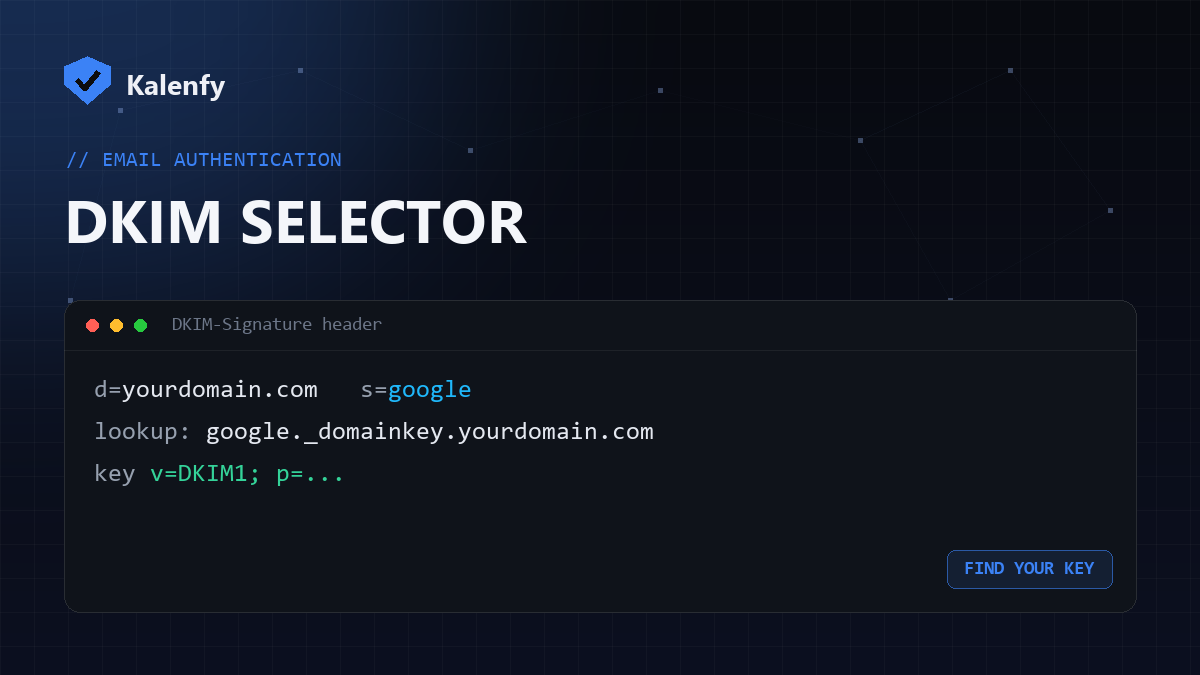
DKIM verification needs a public key, and the selector is how the receiver finds the right one. When a message is signed,
the DKIM header carries d= (your domain) and s= (the selector). The receiver combines them to
query s._domainkey.d — for example google._domainkey.yourdomain.com — and fetches your public key
from there.
Why selectors exist
- Multiple senders: your mail host, newsletter and CRM can each have their own selector and key — unlike SPF, where only one record is allowed.
- Key rotation: you can publish a new selector/key and switch to it without breaking the old one.
How to find your selector
- Send yourself an email and open Show original (Gmail) or view the raw headers.
- Find the
DKIM-Signatureheader and read thes=value — that's your selector. - Confirm the key exists at
that-selector._domainkey.yourdomain.com.
Common selectors include google (Google Workspace), selector1/selector2
(Microsoft 365), and provider-specific ones like k1 or s1.
FAQ
Can I have more than one selector?
Yes — that's the point. Each sending service can have its own selector and key.
I don't know my selector — how do I check DKIM?
Read it from a sent email's headers, or scan your domain — we probe the common selectors and tell you if DKIM signing is detected.
What if the selector record is missing?
Then DKIM can't verify and you'll see dkim=fail. Re-publish the key your provider gives you at the right selector.
Not sure your DKIM is set up right? Scan your domain, then reply to your report — we're developers and we'll get DKIM signing correctly for you.