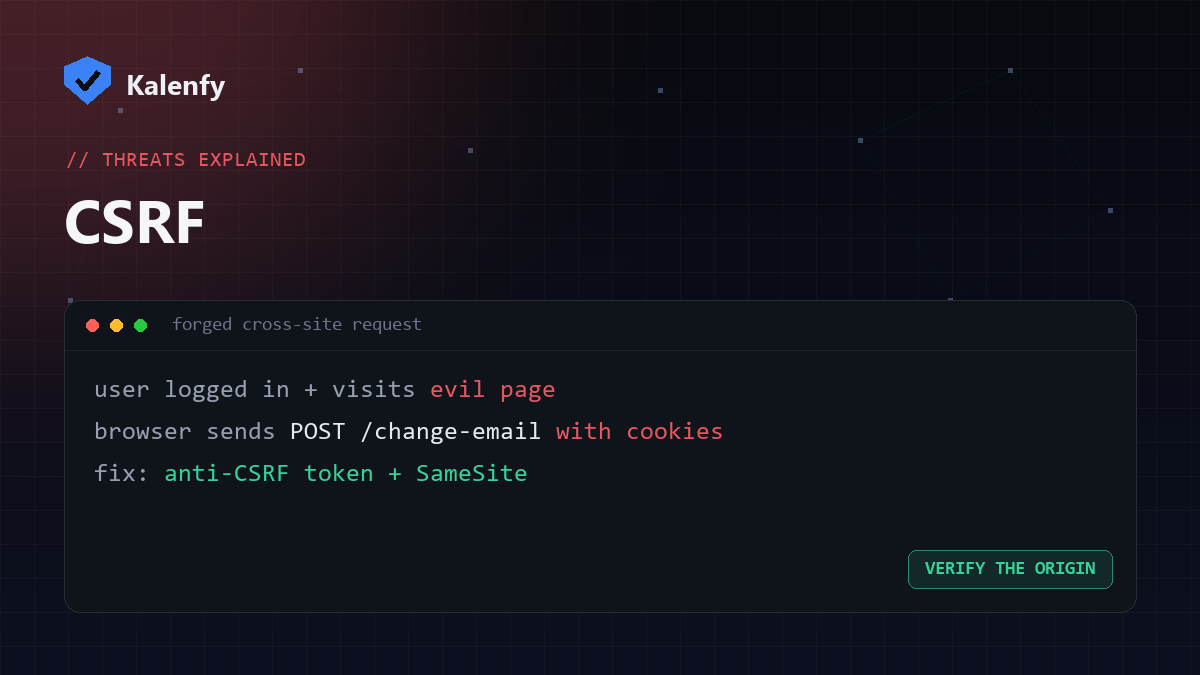
TL;DR: CSRF (Cross-Site Request Forgery) tricks a logged-in user's browser into sending a request to
your site that they didn't mean to make — like changing their email or making a transfer — using their active
session. The fix is server-side: anti-CSRF tokens and SameSite cookies. Scan your domain free
to check your security posture.
How CSRF works
Imagine a user is logged into your site in one tab. In another tab they visit a malicious page, which silently submits a form (or loads an image/URL) pointing at your site's "change email" action. Because the browser automatically attaches the user's cookies, your server sees a valid, authenticated request — and performs the action. The user never clicked anything meaningful.
Why it's dangerous
- It rides on a real, authenticated session — no password needed.
- It can perform state-changing actions: password/email changes, purchases, transfers, settings.
- The victim is unaware it happened.
How to prevent it
- Anti-CSRF tokens — include a unique, unpredictable token in each form and verify it server-side. The attacker's page can't guess it.
SameSitecookies — set session cookies toSameSite=LaxorStrictso they aren't sent on cross-site requests.- Require re-authentication for sensitive actions.
- Most modern frameworks include CSRF protection — make sure it's enabled, not disabled for convenience.
CSRF vs XSS
XSS runs malicious script on your page; CSRF makes the browser send a forged request to your site. XSS can defeat CSRF protections, so fixing XSS matters for both.
FAQ
Do SameSite cookies fully stop CSRF?
They block most cross-site cases, but tokens remain the robust, recommended defence — use both.
Is CSRF a problem for static sites?
Only where there are authenticated state-changing actions. Pure static pages have nothing to forge.
How do I know if I'm protected?
Check that your framework's CSRF protection is enabled and your session cookies use SameSite. A code review
confirms it.
Not sure your forms are protected? Scan your domain, then reply to your report — we're developers and we'll review and harden the code for you.