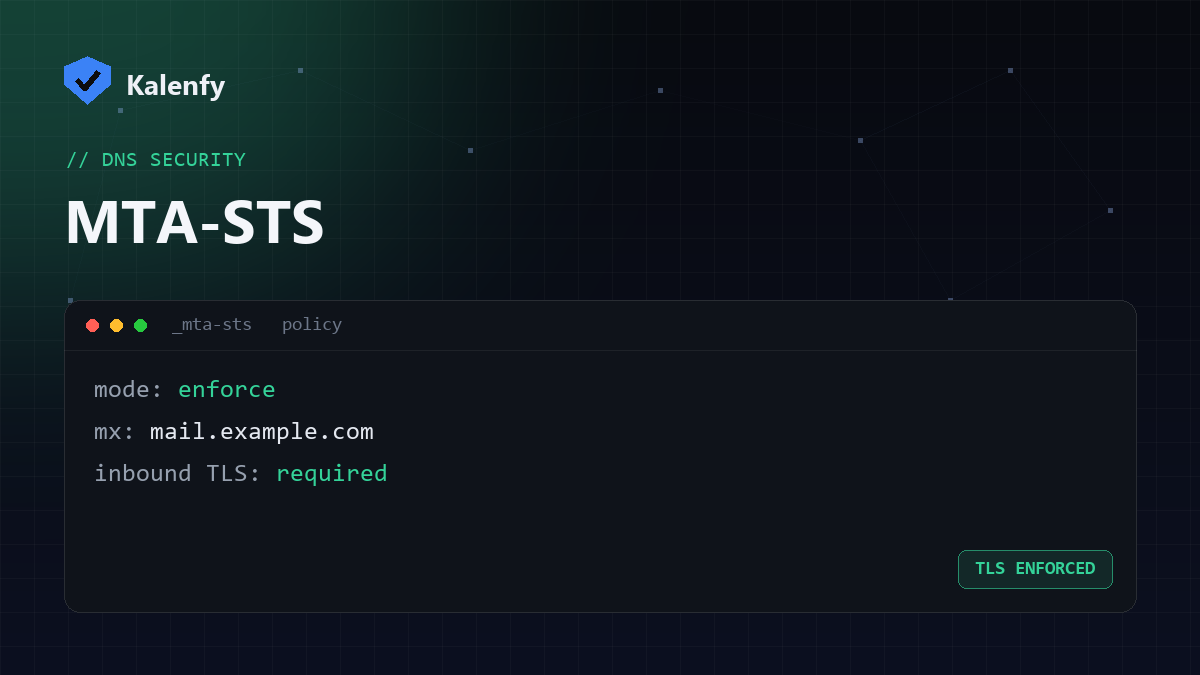
TL;DR: MTA-STS tells other mail servers they must use encrypted TLS when delivering email to your domain, and refuse to deliver if encryption can't be negotiated. It closes a gap where attackers strip encryption (a downgrade attack). You publish a DNS record, host a small policy file over HTTPS, and add TLS-RPT for reporting. Scan your domain free to see if you have it.
What MTA-STS protects against
By default, mail-server-to-mail-server encryption is "opportunistic" — used if available, skipped if not. An attacker in the middle can strip the encryption offer and read or alter mail in transit. MTA-STS removes the optional part: it declares that senders must use TLS with a valid certificate to deliver to you, or not deliver at all. It pairs naturally with TLS-RPT, which emails you reports when delivery problems happen.
What you need
- An MTA-STS policy file hosted at
https://mta-sts.yourdomain.com/.well-known/mta-sts.txt. - A DNS TXT record at
_mta-sts.yourdomain.comannouncing the policy. - (Recommended) a TLS-RPT record at
_smtp._tls.yourdomain.comfor reports.
How to set it up
- Create the policy file with your mode and MX hosts, for example:
version: STSv1,mode: enforce, yourmx:hosts, and amax_age:. Start withmode: testingif you want to monitor first. - Host it over HTTPS on the
mta-stssubdomain at the.well-knownpath above. - Publish the TXT record at
_mta-stswithv=STSv1; id=...(the id changes when you update the policy). - Add a TLS-RPT record so you get delivery/encryption reports.
- Once you're confident, switch the policy from
testingtoenforce.
How to check it
Run a free scan — Kalenfy checks for MTA-STS and TLS-RPT and flags if inbound mail TLS isn't hardened. Most domains score zero here, so it's an easy win.
FAQ
Is MTA-STS the same as DMARC or DKIM?
No. DMARC/DKIM/SPF authenticate who sent a message. MTA-STS protects the transport encryption of mail coming to you. They solve different problems and you want both.
Do I need DNSSEC for MTA-STS?
No — MTA-STS deliberately relies on HTTPS/web PKI rather than DNSSEC, so you can deploy it without signing your zone. (DANE is the DNSSEC-based alternative.)
Will enforce mode bounce my mail?
Only inbound mail from senders that can't establish valid TLS — which is rare and usually itself misconfigured. Start in testing mode to be safe.
Want inbound mail TLS hardened without standing up subdomains and policy files yourself? Scan your domain, then reply to your report — we're developers and we'll set up MTA-STS and TLS-RPT for you.