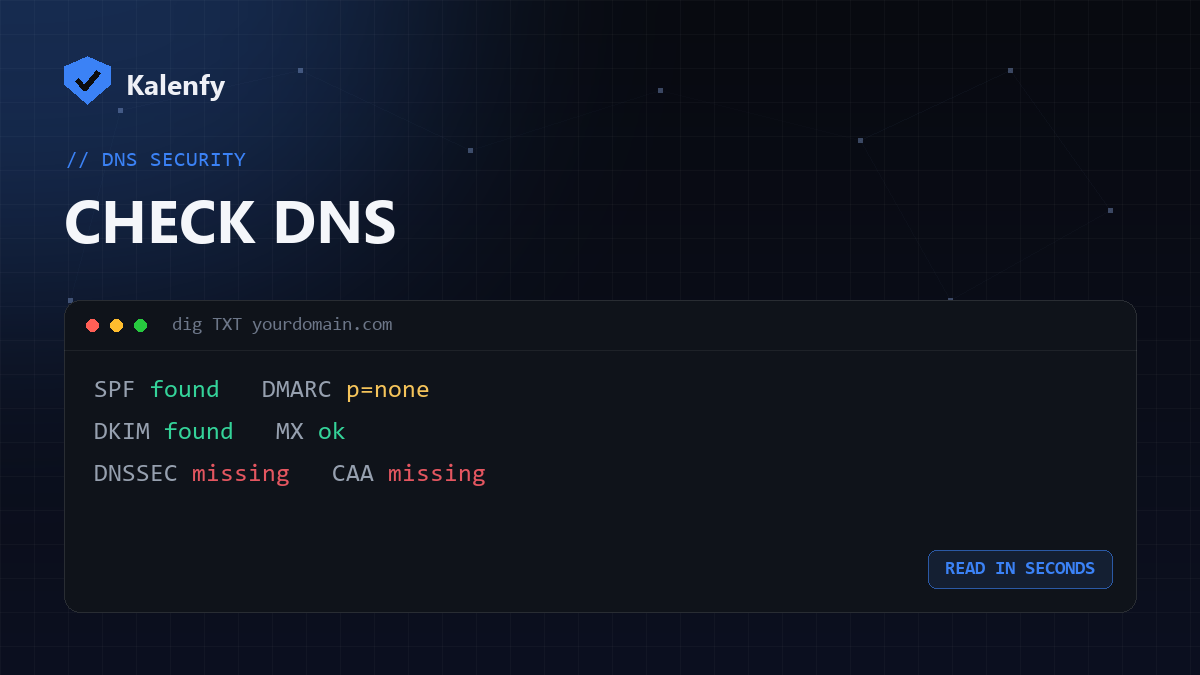
TL;DR: You can check your DNS records three ways: an online lookup tool, the command line
(dig/nslookup), or a one-click security scan that reads the important ones and grades them. For
the records that actually matter for security — SPF, DKIM, DMARC, MX, DNSSEC, CAA — the fastest option is a scan.
Check your domain free.
Three ways to check
- A free scan — the easiest: enter your domain and get every security-relevant record read and graded in plain English. Try it.
- Online DNS lookup tools — type your domain and a record type (A, MX, TXT…) to see the raw values.
- Command line —
dig TXT yourdomain.comornslookup -type=MX yourdomain.comif you're comfortable in a terminal.
What to look for
| Record | Good sign |
|---|---|
| SPF (TXT) | Exactly one v=spf1 … record ending in -all/~all |
DMARC (TXT at _dmarc) | v=DMARC1; p=quarantine or reject |
DKIM (TXT at selector._domainkey) | A v=DKIM1 key for your selector |
| MX | Points to your mail provider's hostnames |
| DNSSEC / CAA | Present (most domains are missing these) |
Spotting problems
- Two SPF records — invalid; you can only have one.
- DMARC at
p=none— present but not protecting; move it toward enforcement. - No DMARC/DKIM — your domain is likely spoofable.
FAQ
Do I need technical skills to check DNS?
No — a scan or an online lookup needs none. The command line is optional for those who prefer it.
Why can't I see my DKIM record?
DKIM lives at a selector you have to know (check a sent email's headers for the s= value). A scan probes the
common selectors for you.
How current are the results?
Live — DNS lookups reflect what's published now (subject to propagation after a change).
Want it read and explained without the jargon? Scan your domain, then reply to your report — we're developers and we'll fix whatever's missing.